
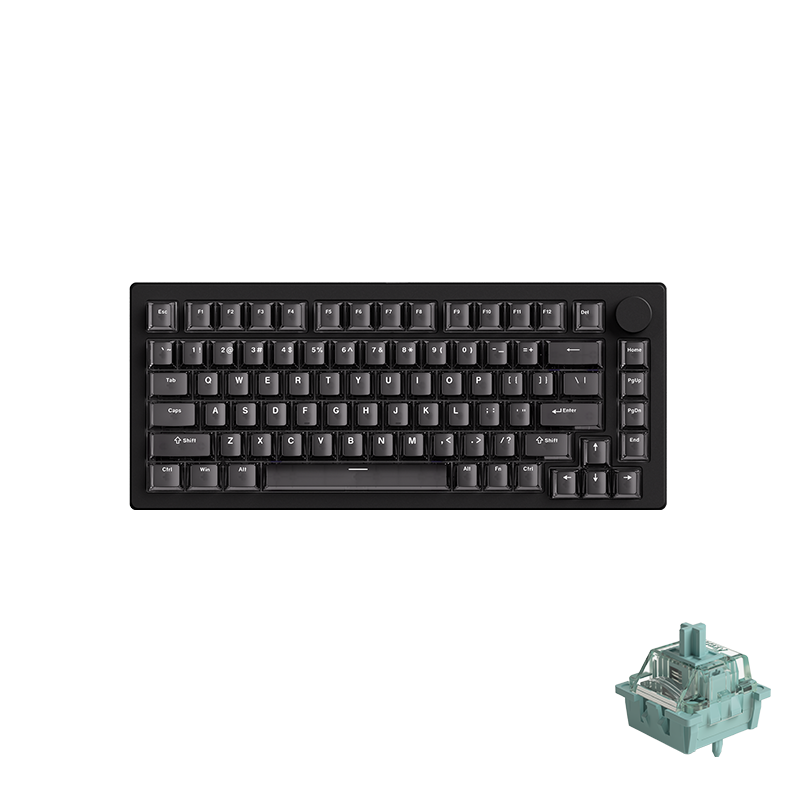
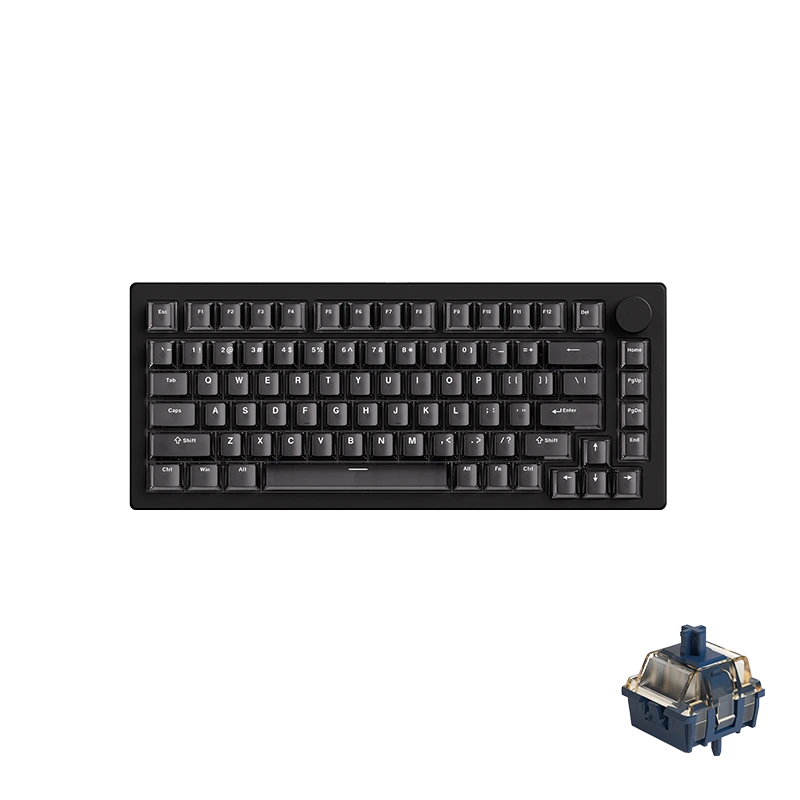
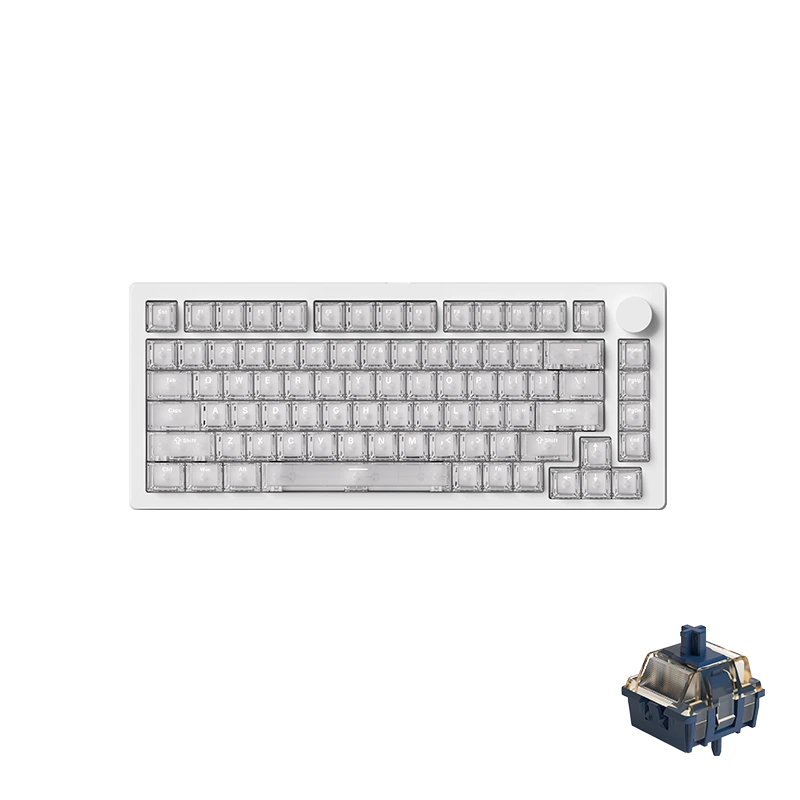
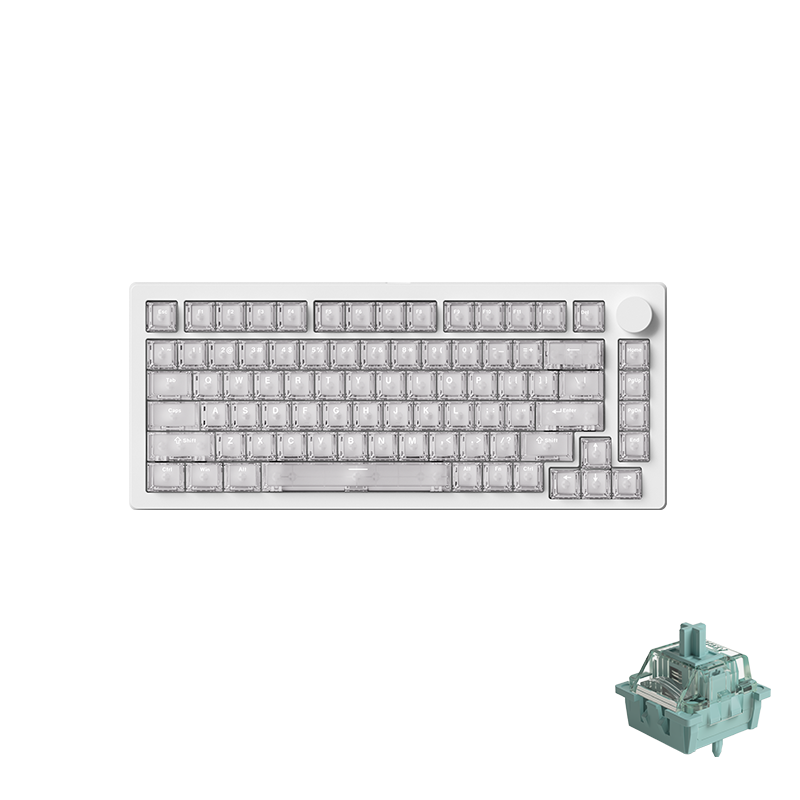
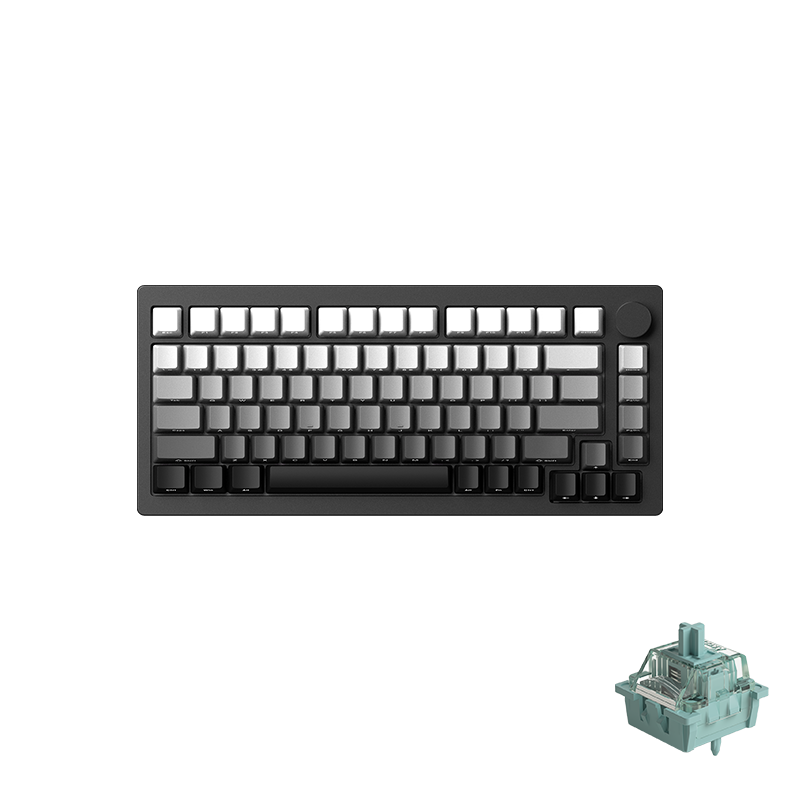
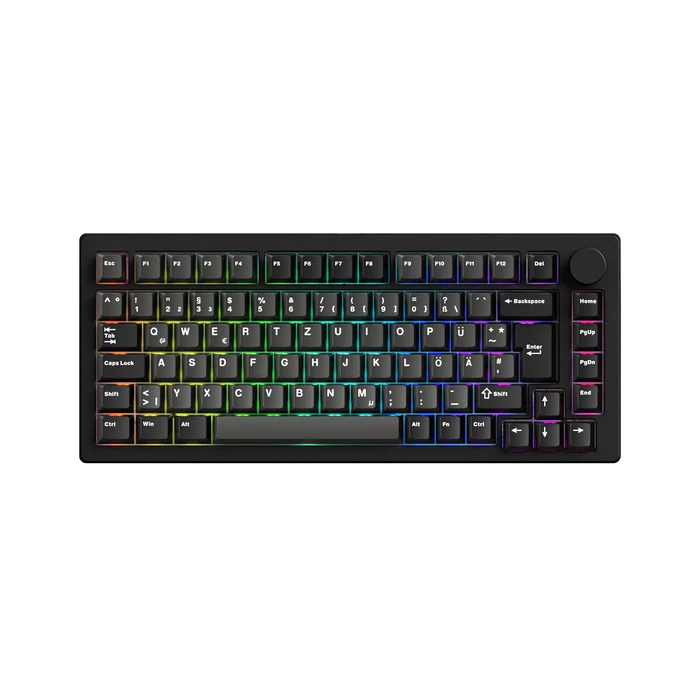
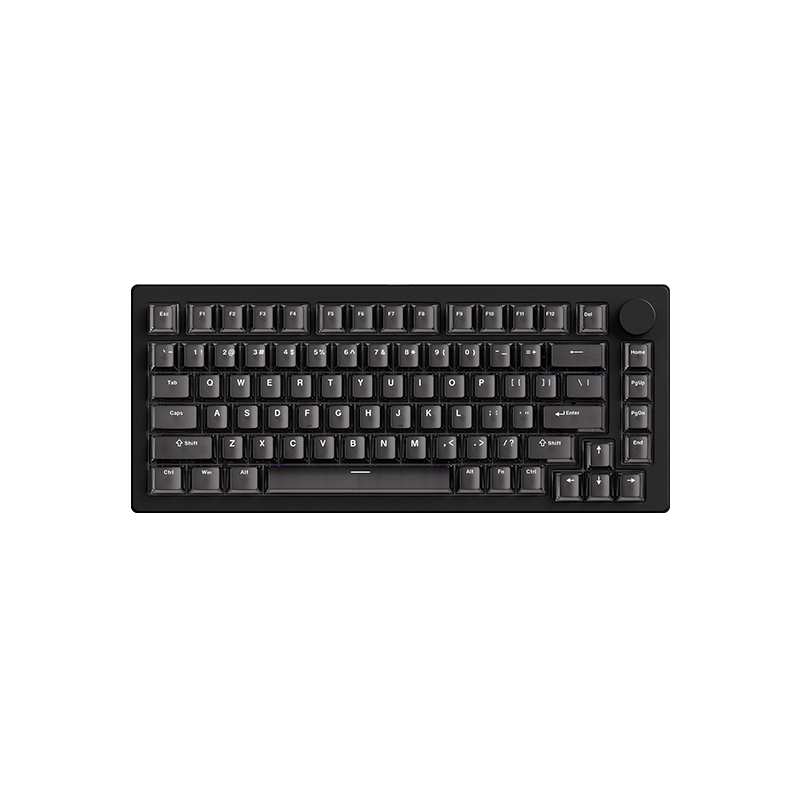
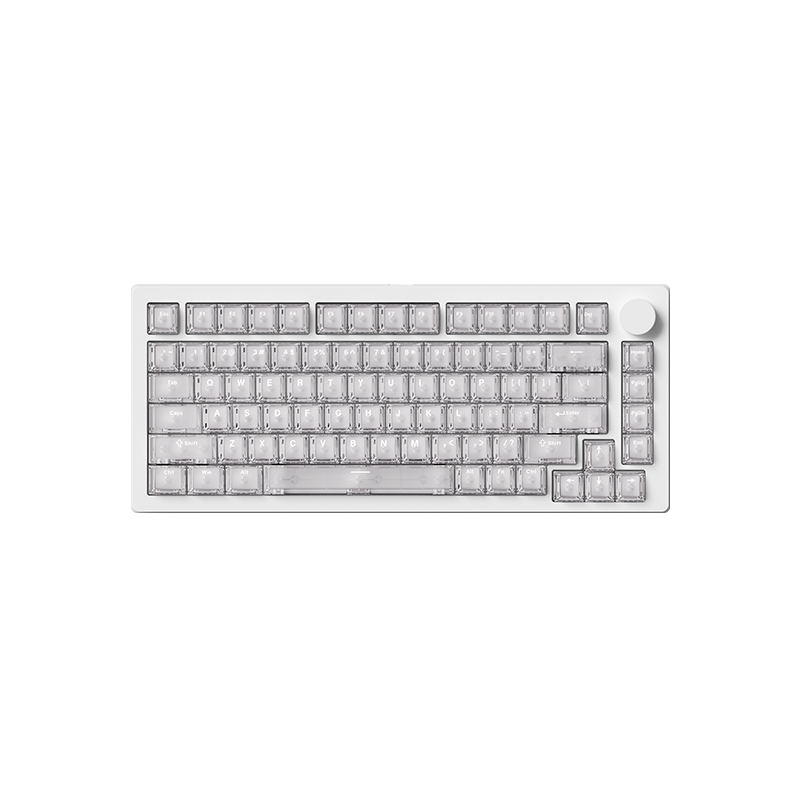
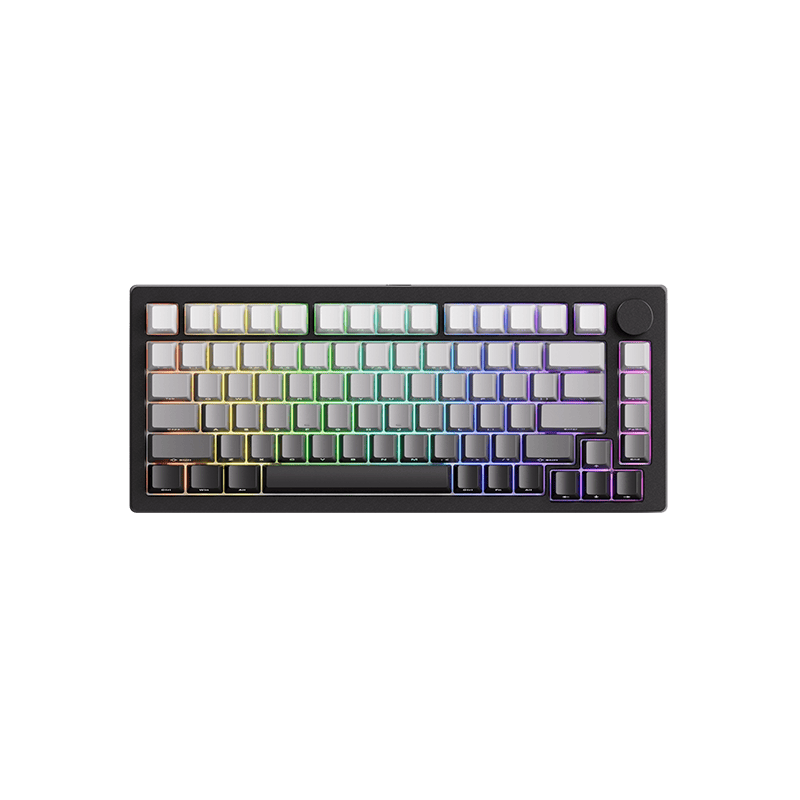
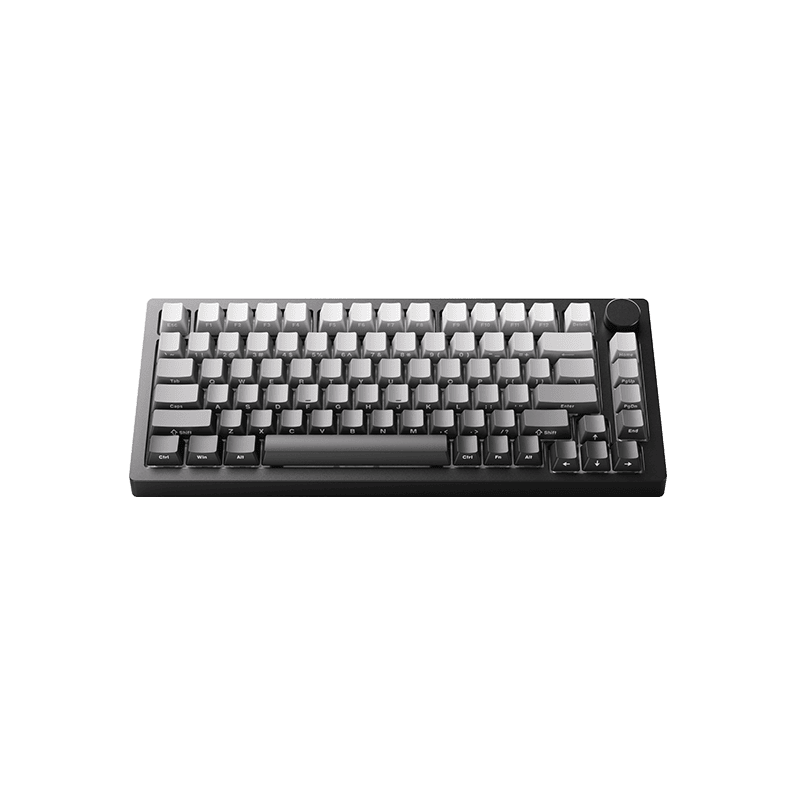
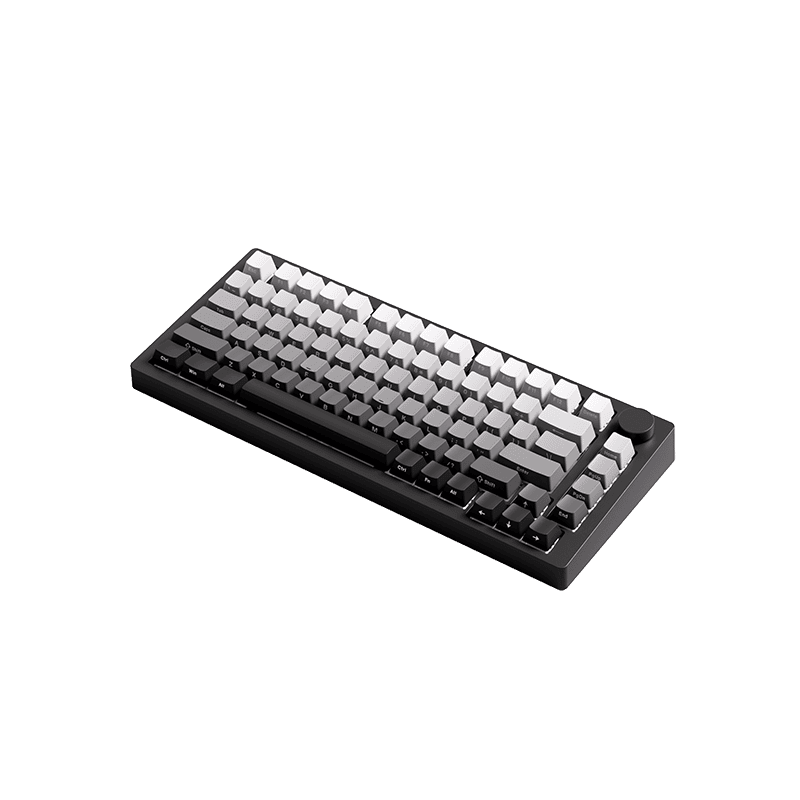
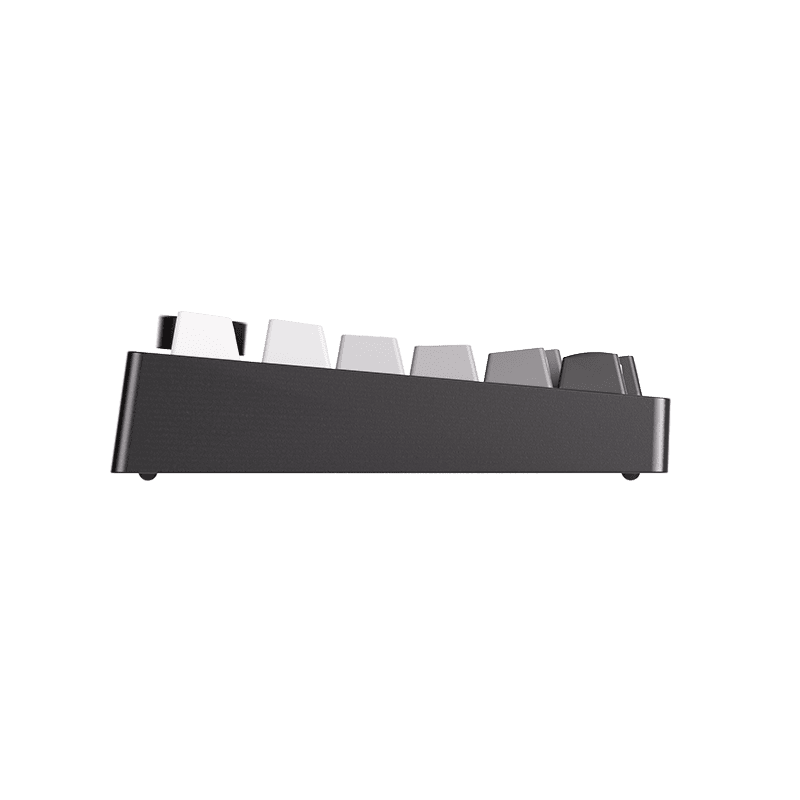
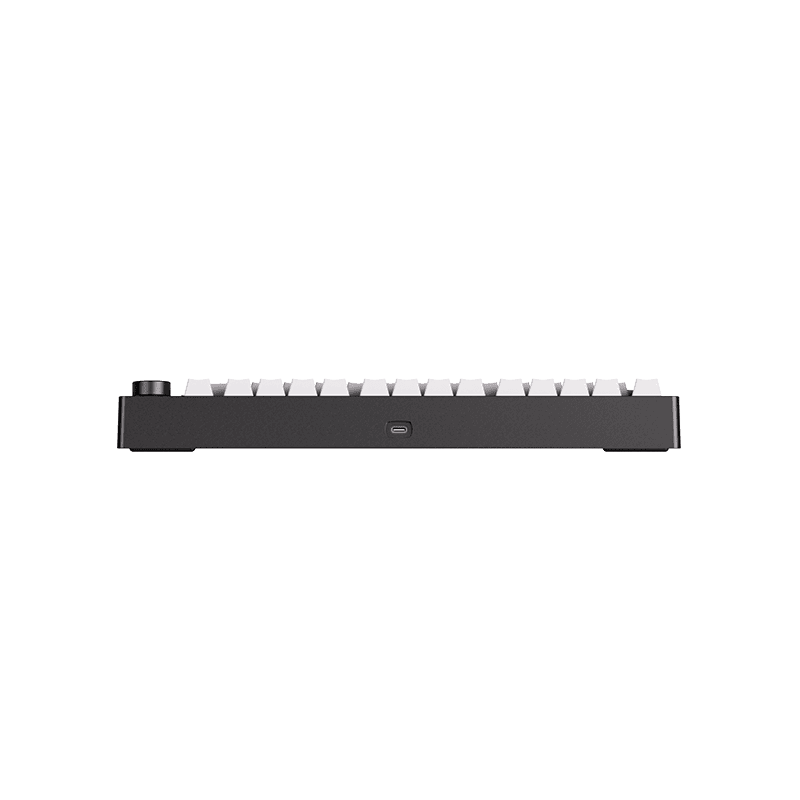
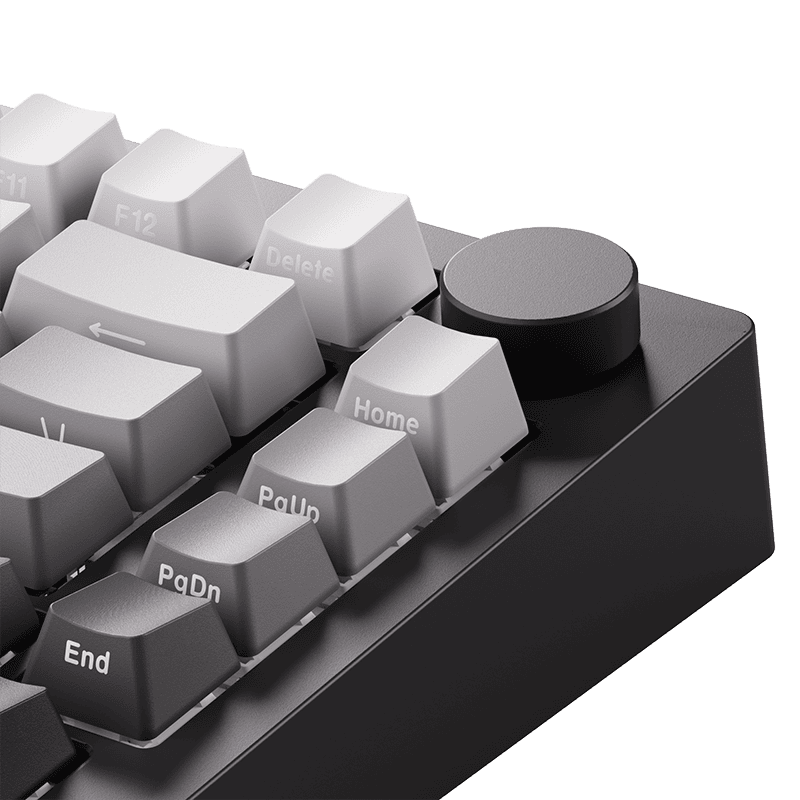
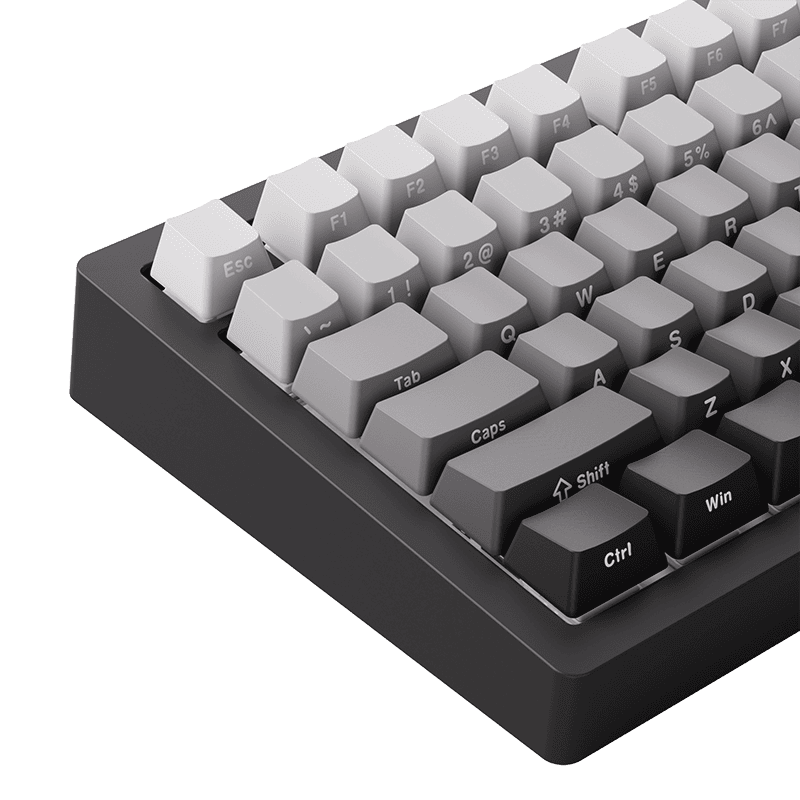
M1 V5 TMR Fully Assembled
$258.73 – $344.98
Introducing MonsGeek M1 V5 TMR Magnetic Switch MagMech Aluminum Keyboard!
It’s time to revolutionize both mechanical and magnetic switch keyboards and create something truly unique.
Highlights:
 Hot-swappable with 3-Pin and 5-Pin Mechanical Switches
Cross-Compatible with Mainstream Magnetic Switches
0.01mm RT for Superior Gaming
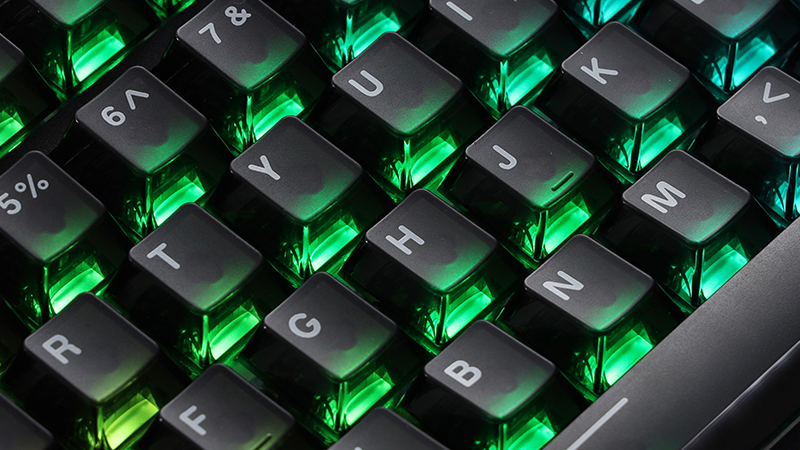
ARGB(addressable RGB) for smooth, flicker-free lighting
Tool-free Ball-catch Quick-release Design for Fast Top and Bottom Case Installation.
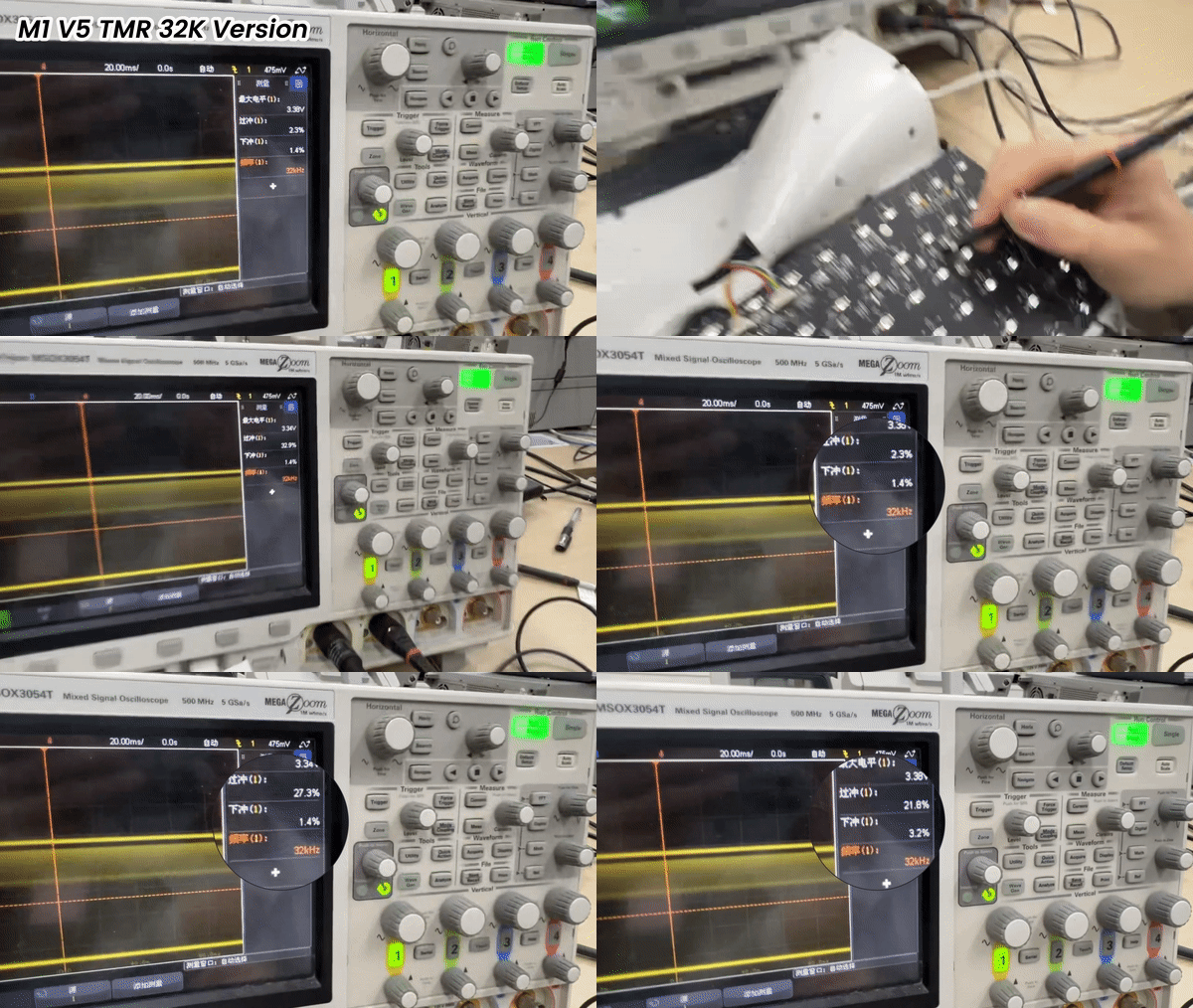
*The M1 V5 TMR Black/White Transparent and the new Black Gradient variant feature an upgraded 32kHz scanning rate.
Preorders of the new Black Gradient variant are expected to ship around February 10.
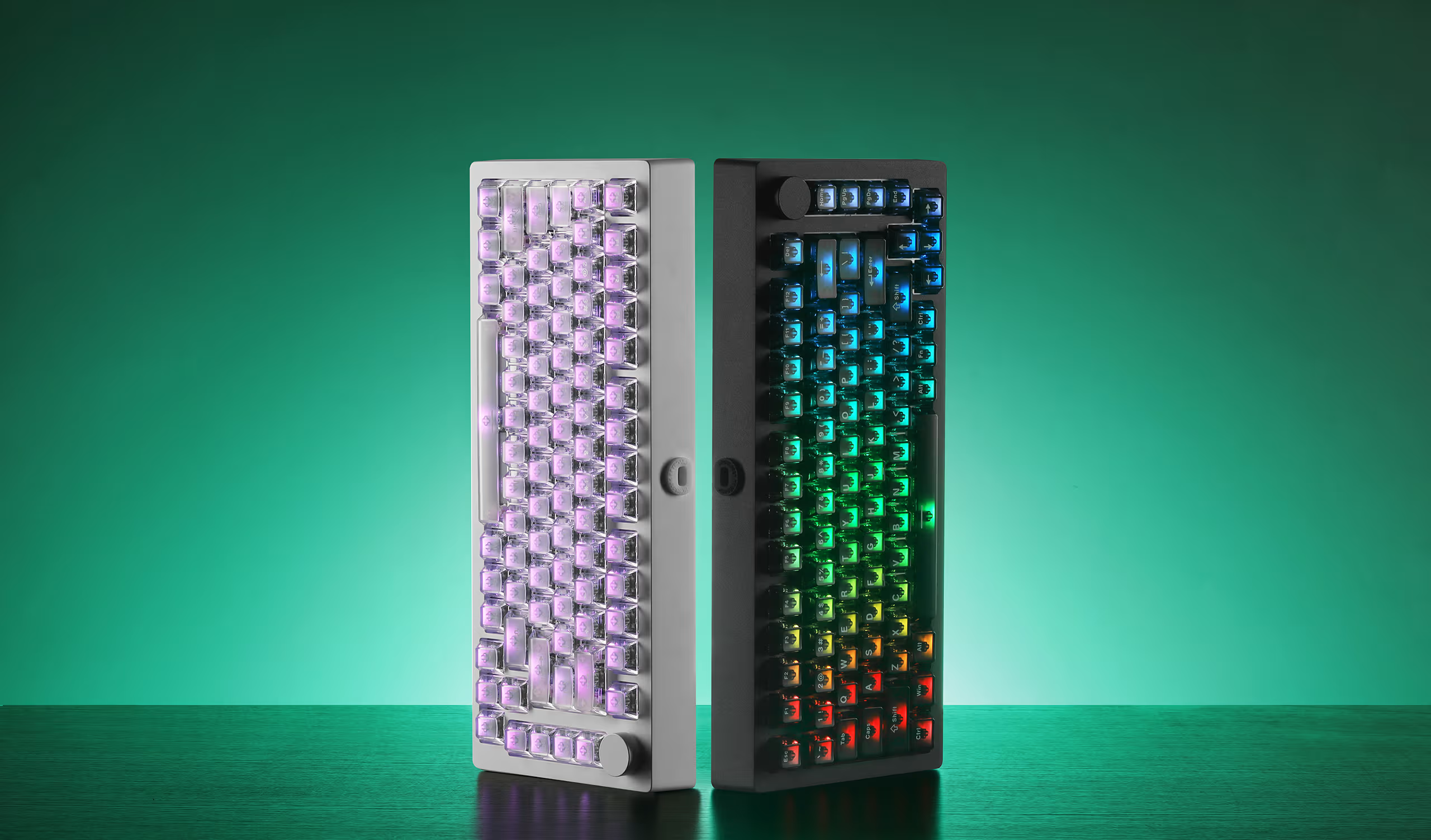
| Specification | Black / White Transparent (US-ANSI) |
*New Black Gradient TMR (US-ANSI) |
Black Gradient TMR (US-ANSI) |
Black & Silver TMR (ISO-DE) |
Black / White Transparent (US-ANSI) |
|---|---|---|---|---|---|
| Picture | 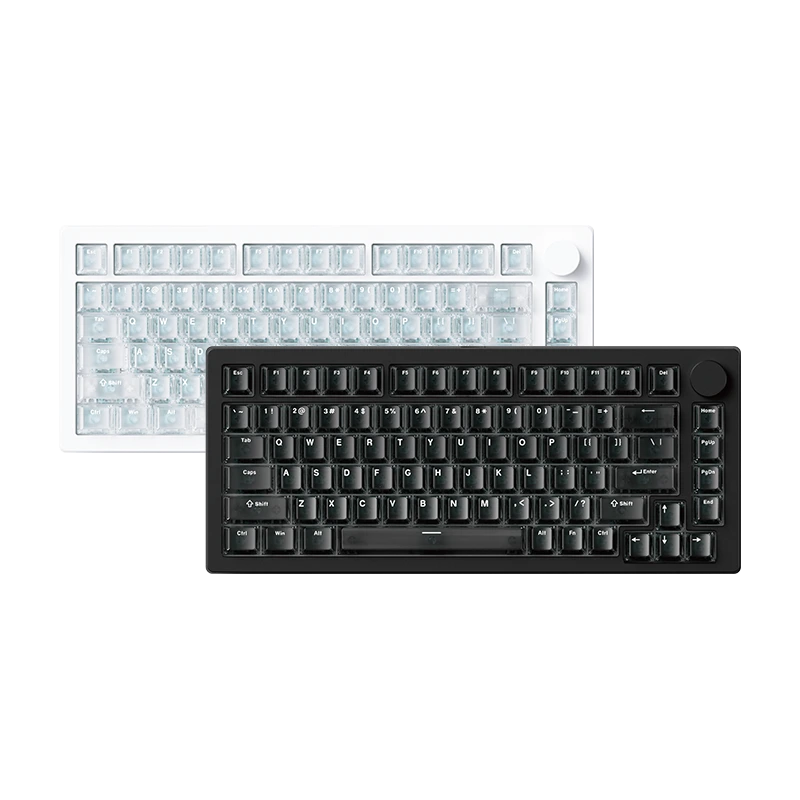 |
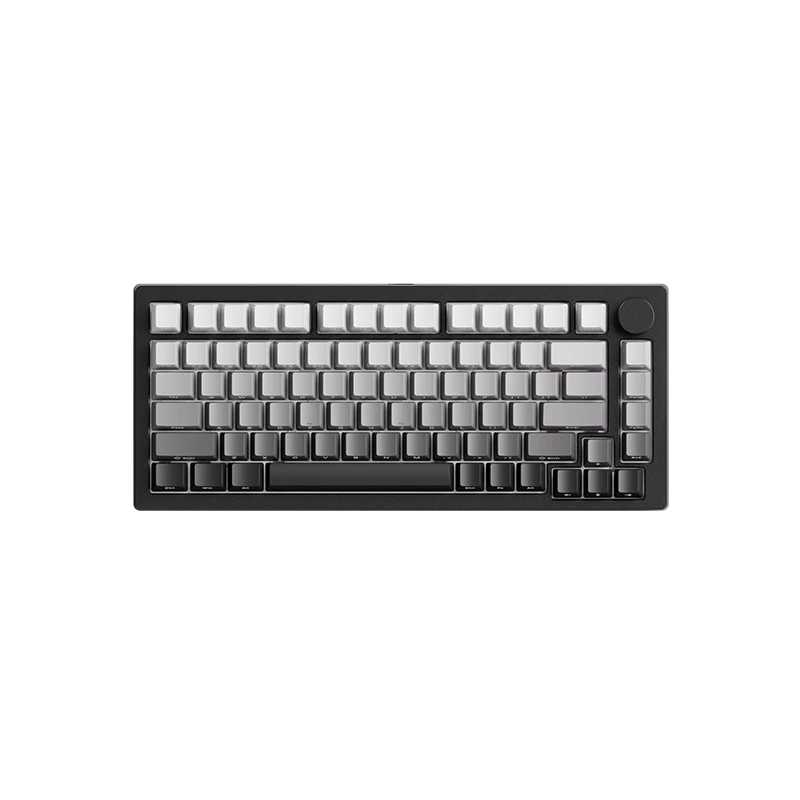 |
|
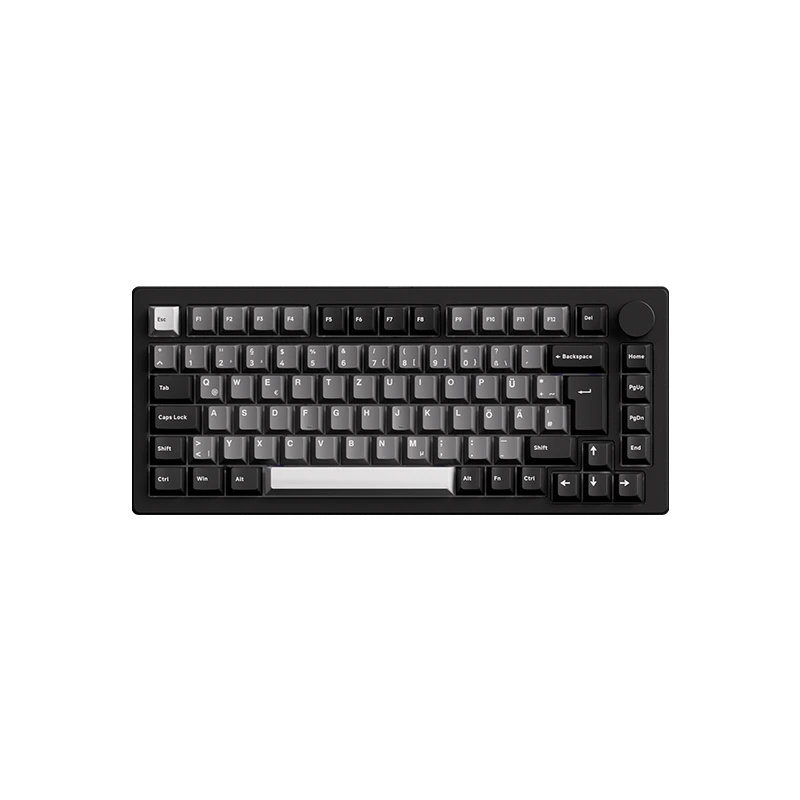 |
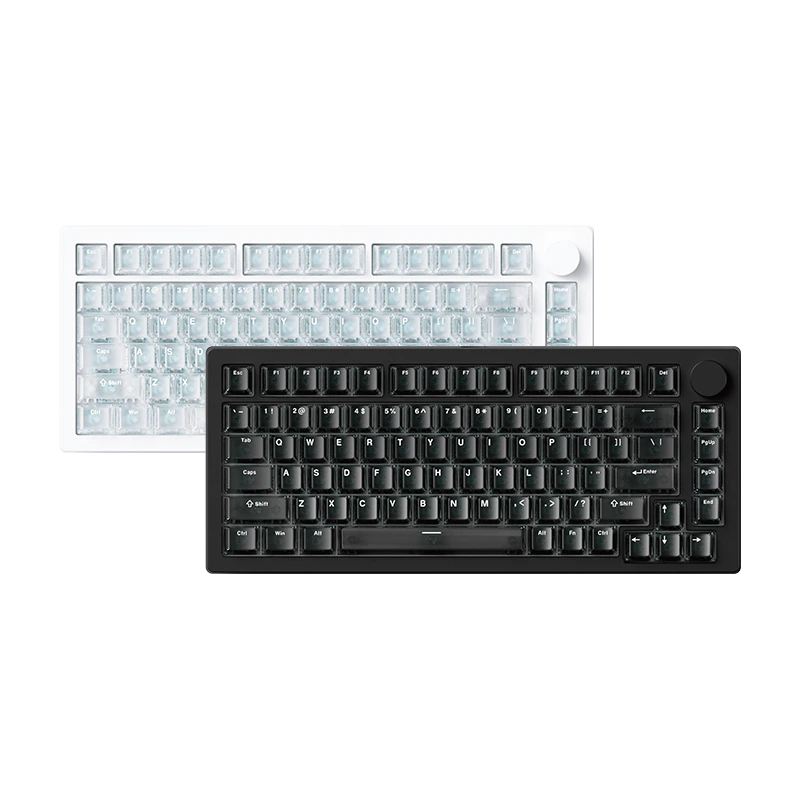 |
| Price | from $149.99 | from $149.99 | from $129.99 | from $199.99 | from $109.99 |
| Sensor | TMR | TMR | TMR | TMR | HE |
| Universal Scanning Rate | 32K | 32K | 8K | 8K | 32K |
| Rapid Trigger Precision | 0.01mm | 0.01mm | 0.01mm | 0.01mm | up to 0.005mm |
| MagMech Supported | Yes | Yes | Yes | Yes | No |
| Mechanical Switches Compatible | Yes | Yes | Yes | Yes | No |
| Keycaps |
PC Transparent Keycaps (Cherry Profile) |
PBT Black Gradient Keycaps (OEM Profile) |
PBT Black Gradient Keycaps (OEM Profile) |
PBT Black Silver Keycaps (Cherry Profile) |
PC Transparent Keycaps (Cherry Profile) |
| Plate | Aluminum | Aluminum | PC | PC | Aluminum |
| Switch Pad |
Tape Mod + PET (tape may be not cut-out) |
Tape Mod + PET (tape may be not cut-out) |
IXPE (may be not cut-out) |
IXPE (may be not cut-out) |
Tape Mod + PET (tape may be not cut-out) |
| Case Foam |
Poron (attached to the PCB) |
Poron (attached to the PCB) |
Poron (may be attached to the PCB) |
Poron (may be attached to the PCB) |
Poron (attached to the PCB) |

Why does it Matter?
Learn The Benefits
Device Latency Breakdown
Time to detect key position changes.
MCU processes scan data internally.
USB polling rate interval.
Lower Latency for
Faster Response
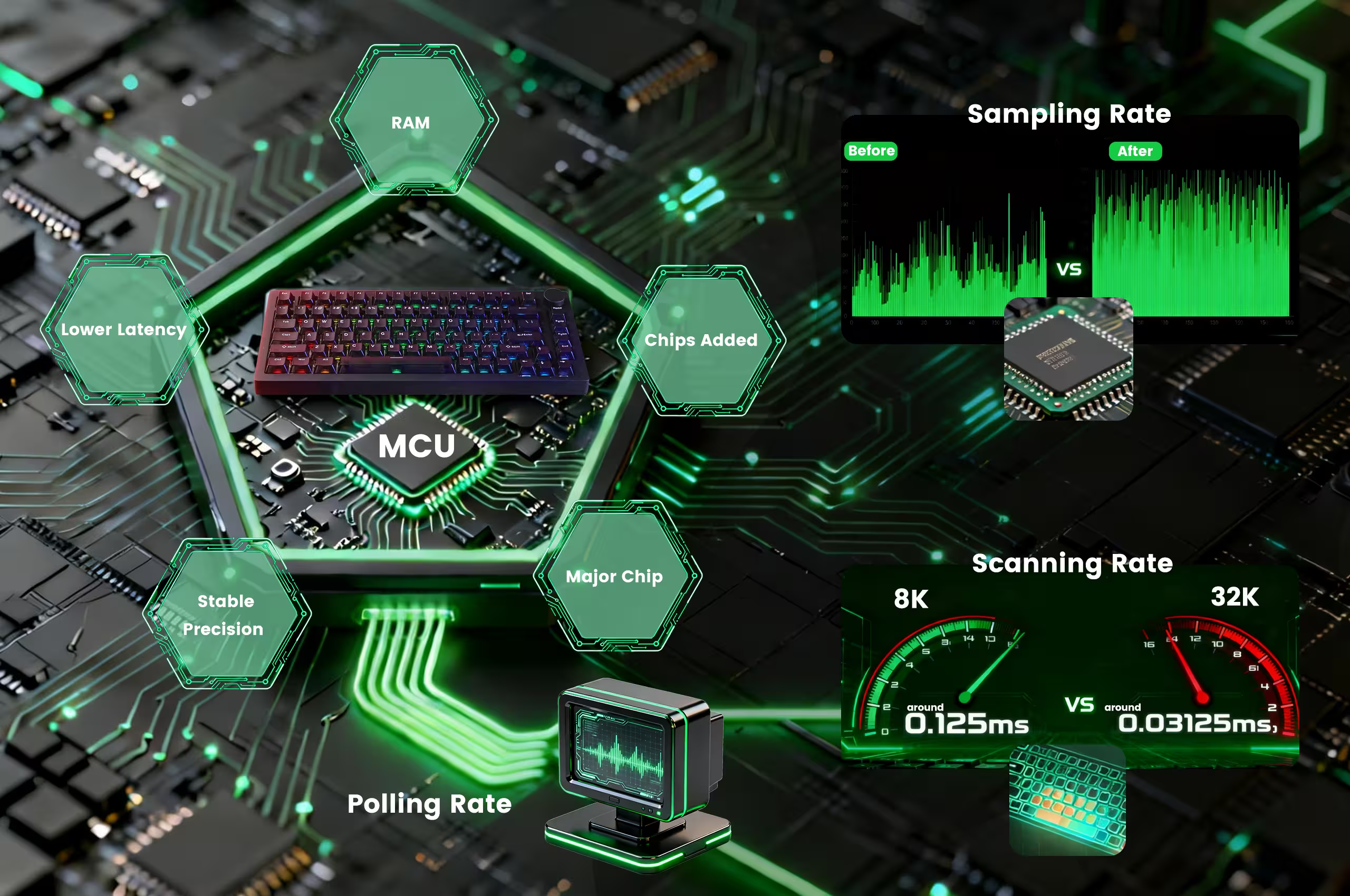
The higher the scan rate, the more frequently the keyboard checks switch position changes. This allows key actuations to be detected earlier and processed with greater consistency, delivering quicker feedback and achieving very low input latency in real gaming and typing scenarios.
More Precise and
Stable Rapid Trigger
At a 32K scan rate, even slight finger lifts are captured instantly and reliably, allowing the switch to reset with exceptional accuracy. The result is finer actuation steps, repeatable trigger behavior, and a predictable feel — ensuring stable rapid triggering during fast-paced, high-precision input.
Optimized Architecture
for 32K Scanning
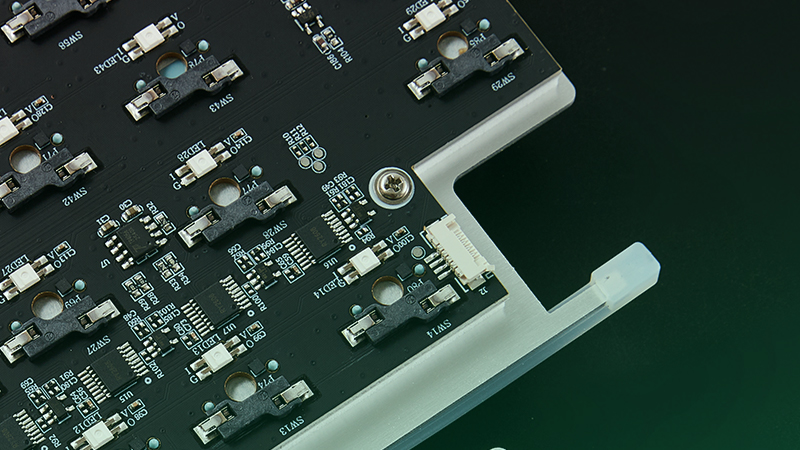
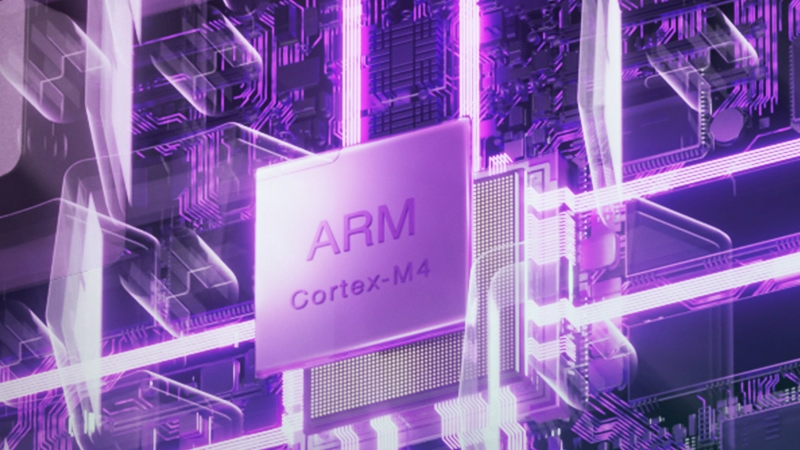
To support 32K scanning without increasing processing latency, M1 V5 TMR adopts a re-architected logic framework. With 15 dedicated logic ICs offloading auxiliary tasks from the MCU, processing load is reduced, ensuring lower TProcessing and stable high-speed performance,even under extreme data throughput.

MagMech Supported
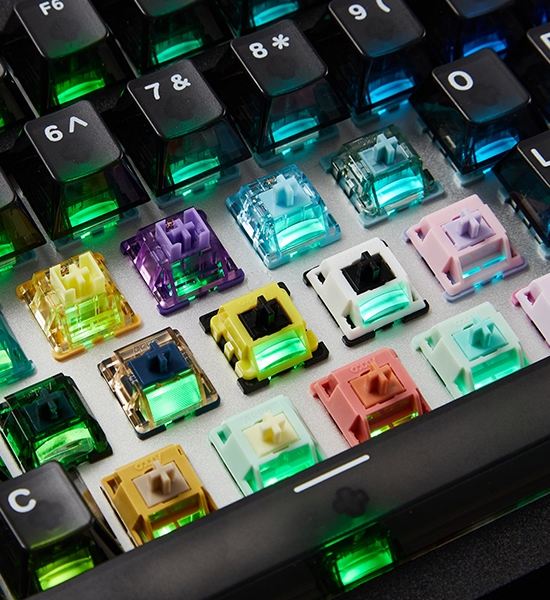
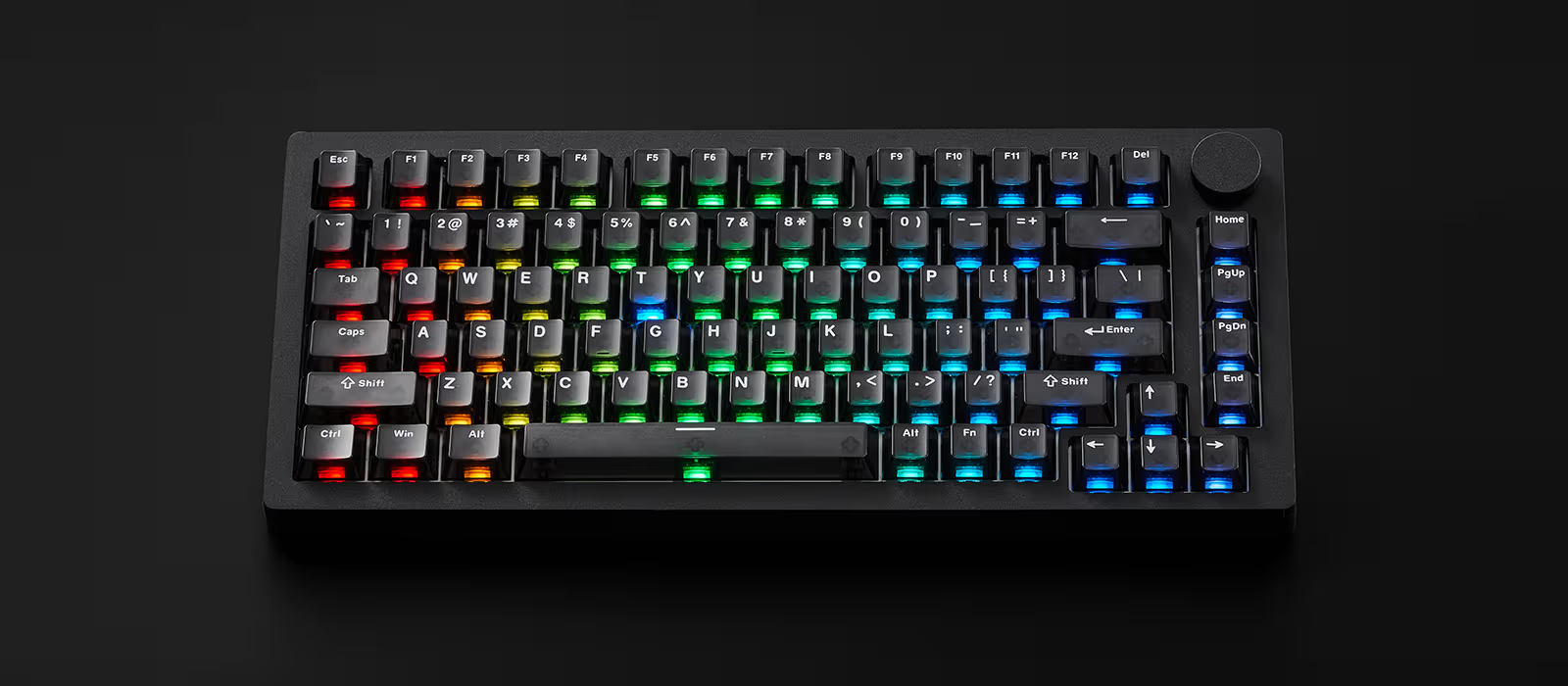
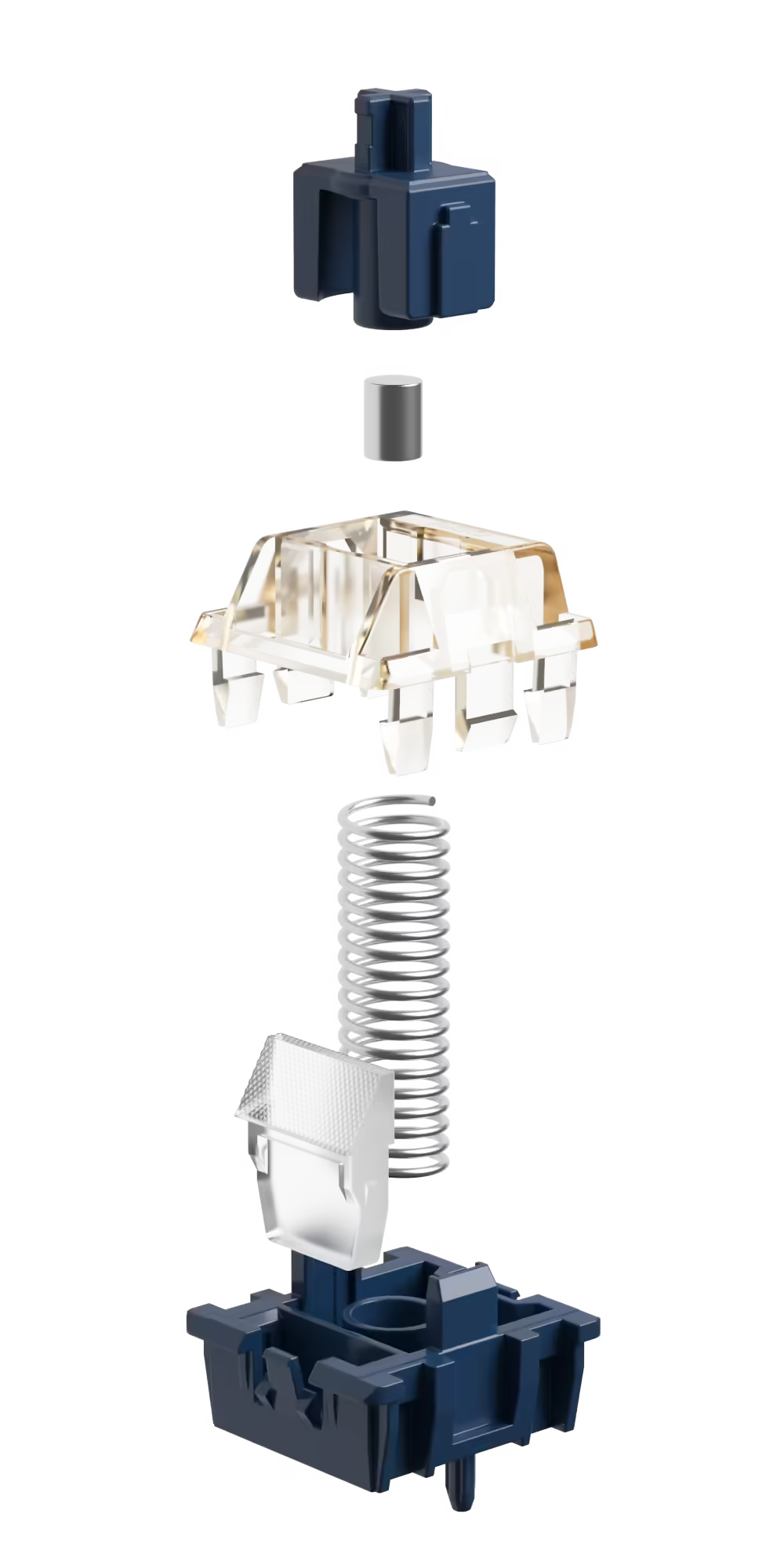
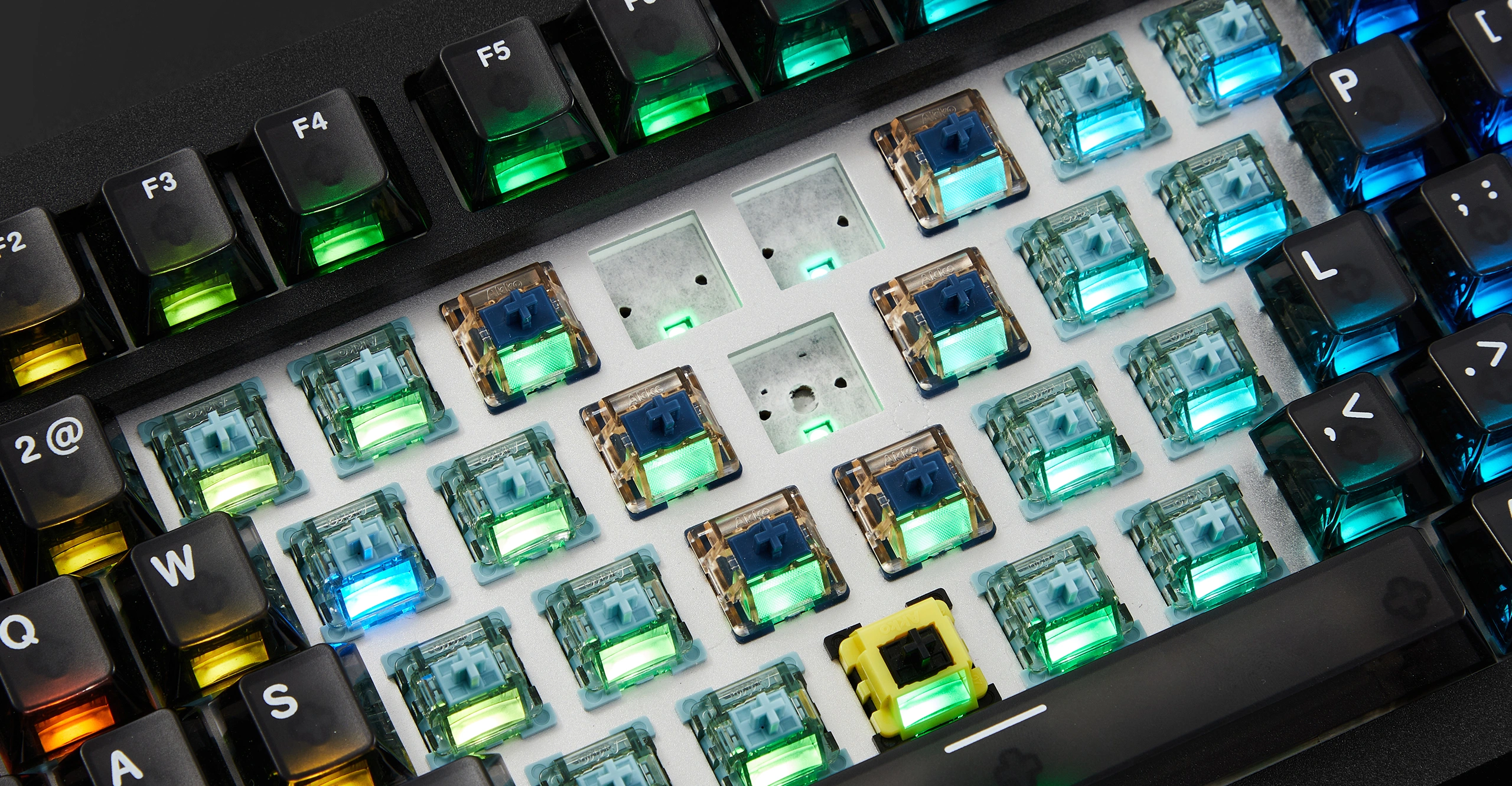
Users can mix and match magnetic switches and any 3-pin or 5-pin mechanical switches freely, like never before!
Imagine having only WASD / Arrow keys swapped for magnetic switches, and leave the rest for mechanical for classic mechanical typing experiences. What a dream!
8K Polling Rate *
With an 8000Hz polling rate in both wired and 2.4G wireless modes, the M1 V5 TMR Keyboard delivers ultra-fast response times and smooth, precise inputs. This ensures every keystroke is accurately registered, making it ideal for competitive gaming and high-performance tasks requiring speed and precision.

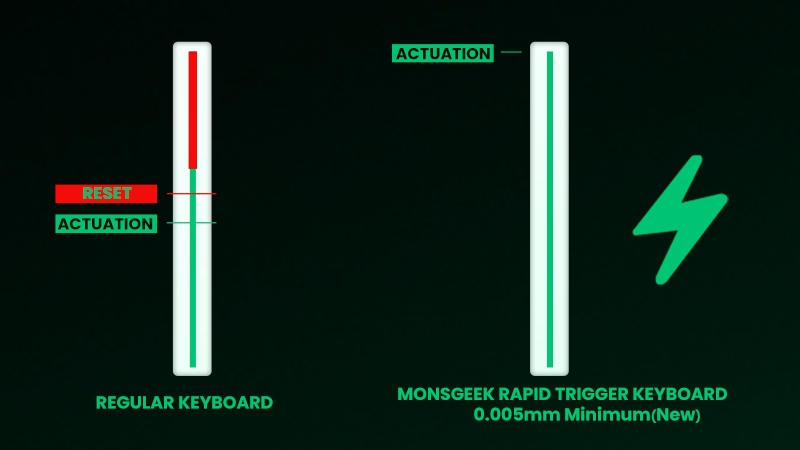
Rapid Trigger
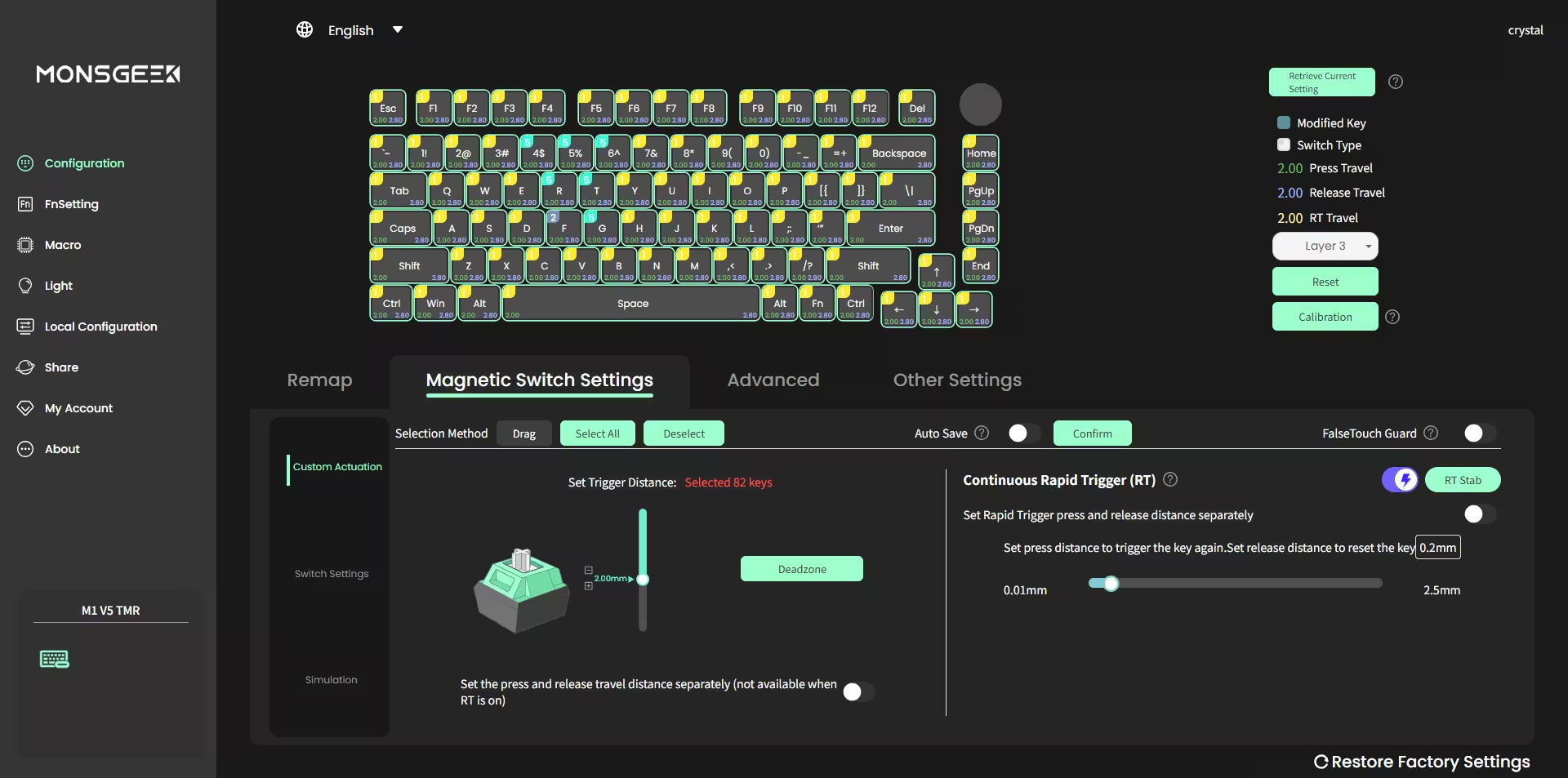
Rapid Trigger allows dynamic adjustment of keys’ actuation and deactivation points. Using the MonsGeek Driver, users can select “All Buttons” or “Per Button” customization modes, and enable “Continuous Rapid Trigger” for near-instant key response, giving FPS gamers a decisive advantage in fast-paced gameplay scenarios.
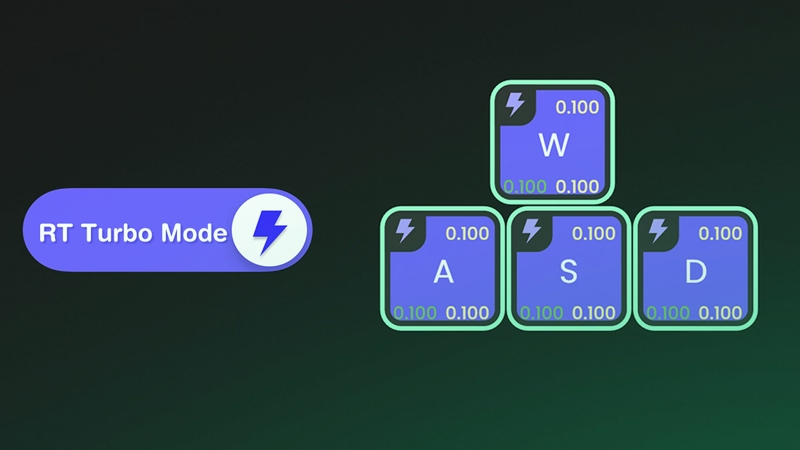
Turbo Mode
Turbo Mode can be enabled for quick recognition and easy management of keys. Keys with Turbo Mode activated are marked with a “flash” icon, so they’re easy to spot at a glance. For example, assigning Turbo Mode to WASD enhances responsiveness and significantly improves the overall gaming experience.
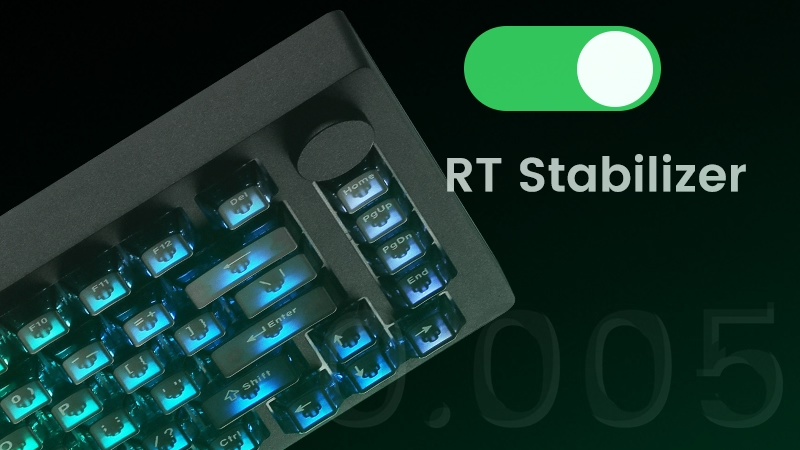
RT Stabilizer
The “RT Stabilizer” mode is most effective when Rapid Trigger precision is 0.01mm or smaller, as magnetic keyboards can register unintended inputs from slight hand tremors. Activating this mode helps maintain consistent performance and a smoother, uninterrupted gaming experience.
・Reset:Fixed Position
・Reset:By adjusting the RT sensitivity,even the slightest upward movement will immediately reset.
→ after the reset, pressing down again will instantly retrigger.
Explore More of Magnetic Switch Keyboard
Snap Key
Snap Key is MonsGeek’s implementation of SOCD, prioritizing the most recent keypress for swift directional changes without releasing previous inputs. This ensures fluid, responsive control in FPS games, where quick reactions and precise movement are crucial.
Mod-Tap
Mod Tap is a design that provides convenience for gaming. It enables the creation of dedicated or dual-functional keys based on key press behavior. A single keypress can achieve two functions: holding down the key for one function, and pressing the key for another, improving efficiency and control.
Dynamic Keystrokes
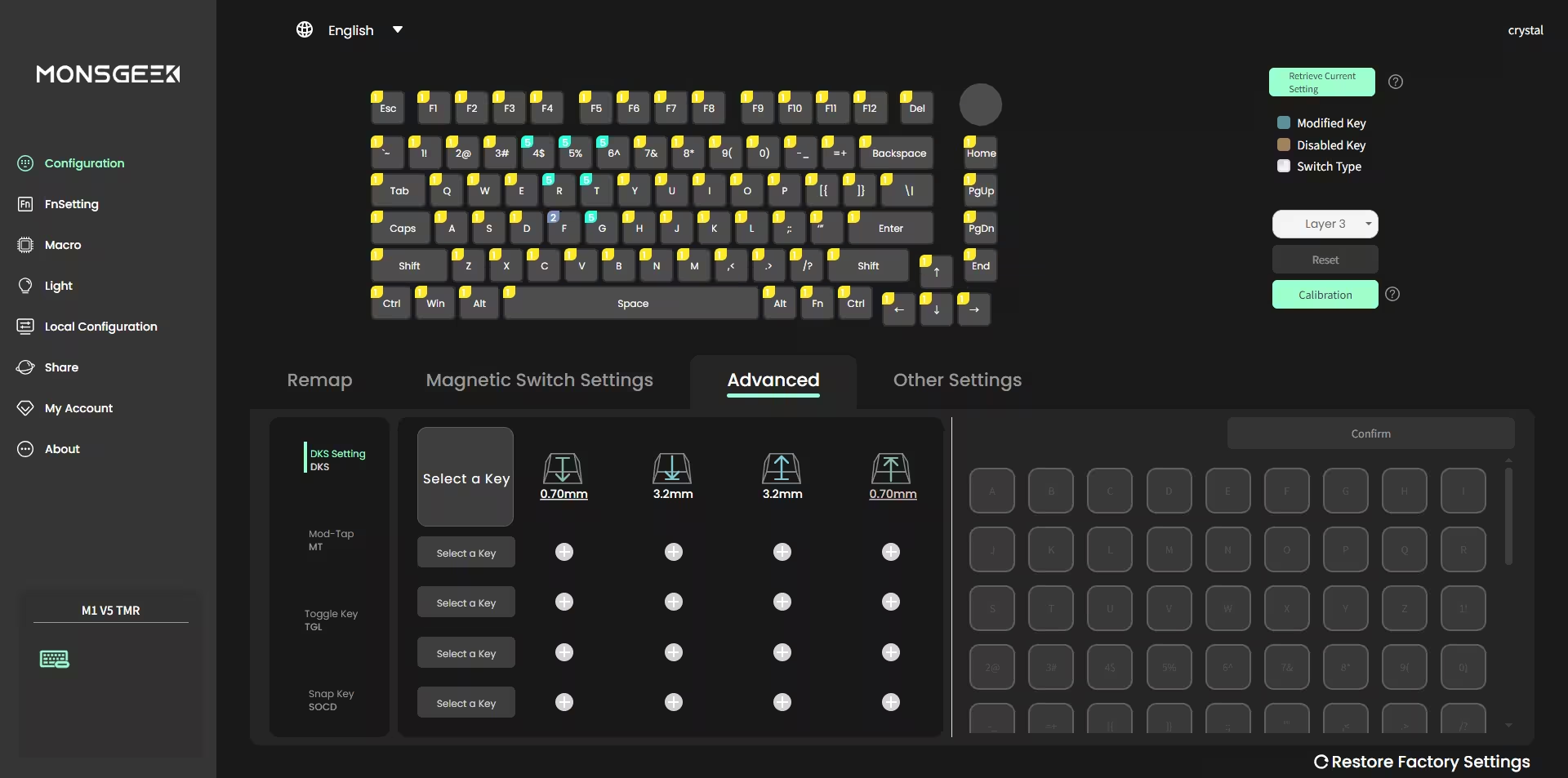
Pressing a key can trigger four different key operations.Depending on your keypress force: a light press triggers action 1, a deeper press activates action 2, and releasing the key also supports a two-stage key setting.This multi-stage input design enhances key more flexible control.
Toggle Key (TGL)
TGL, or Toggle Key, transforms a key into a toggle switch. When you press this switch, you can activate one of two scenarios: either continuously hold down the key/function, or trigger the key/function multiple times at a high frequency, improving overall efficiency.
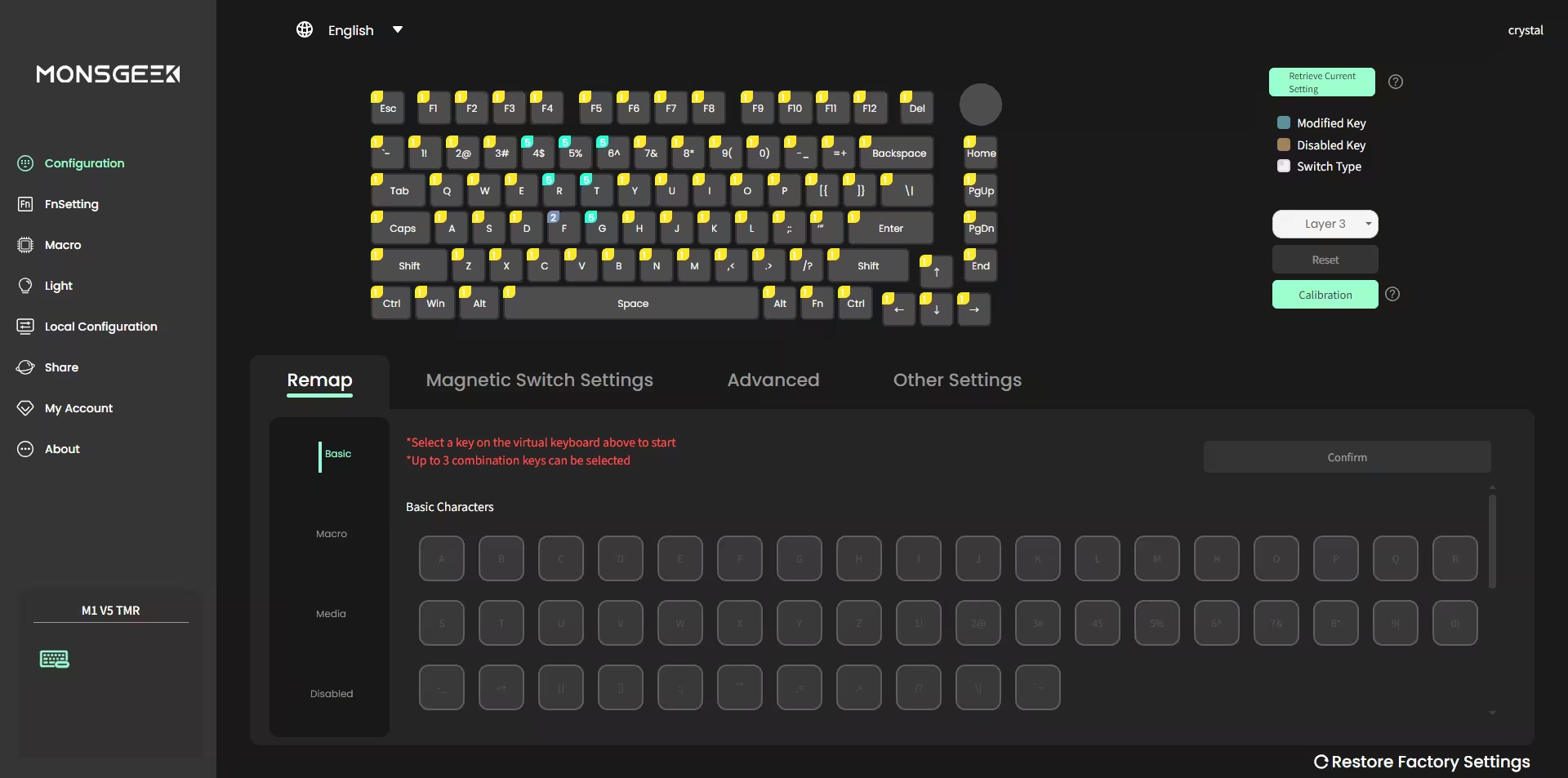
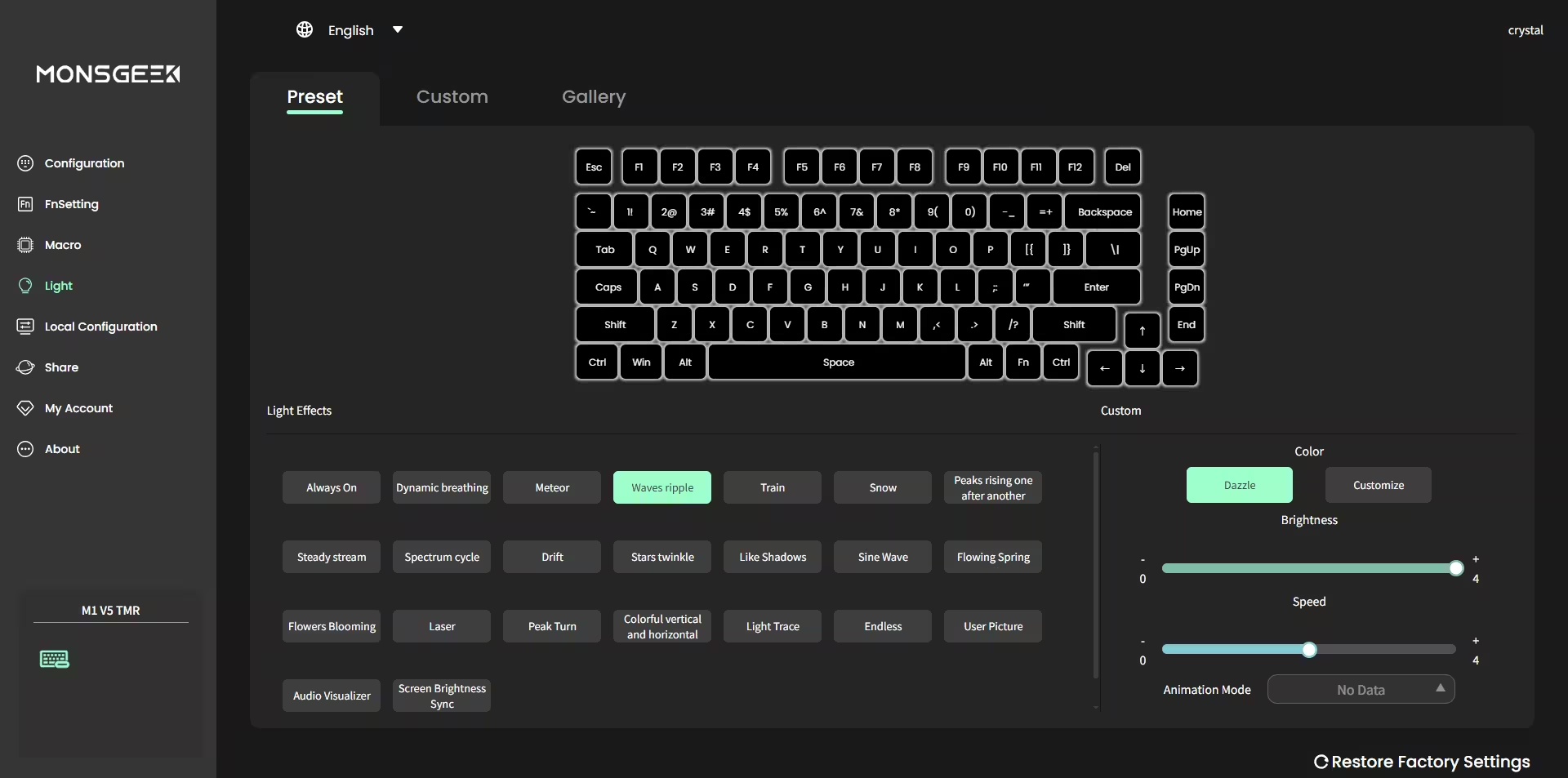
Customize with MonsGeek V4 Driver
Unlock full control over your keyboard with customization features
AstroAim Switches
Reliable and Essential Performance
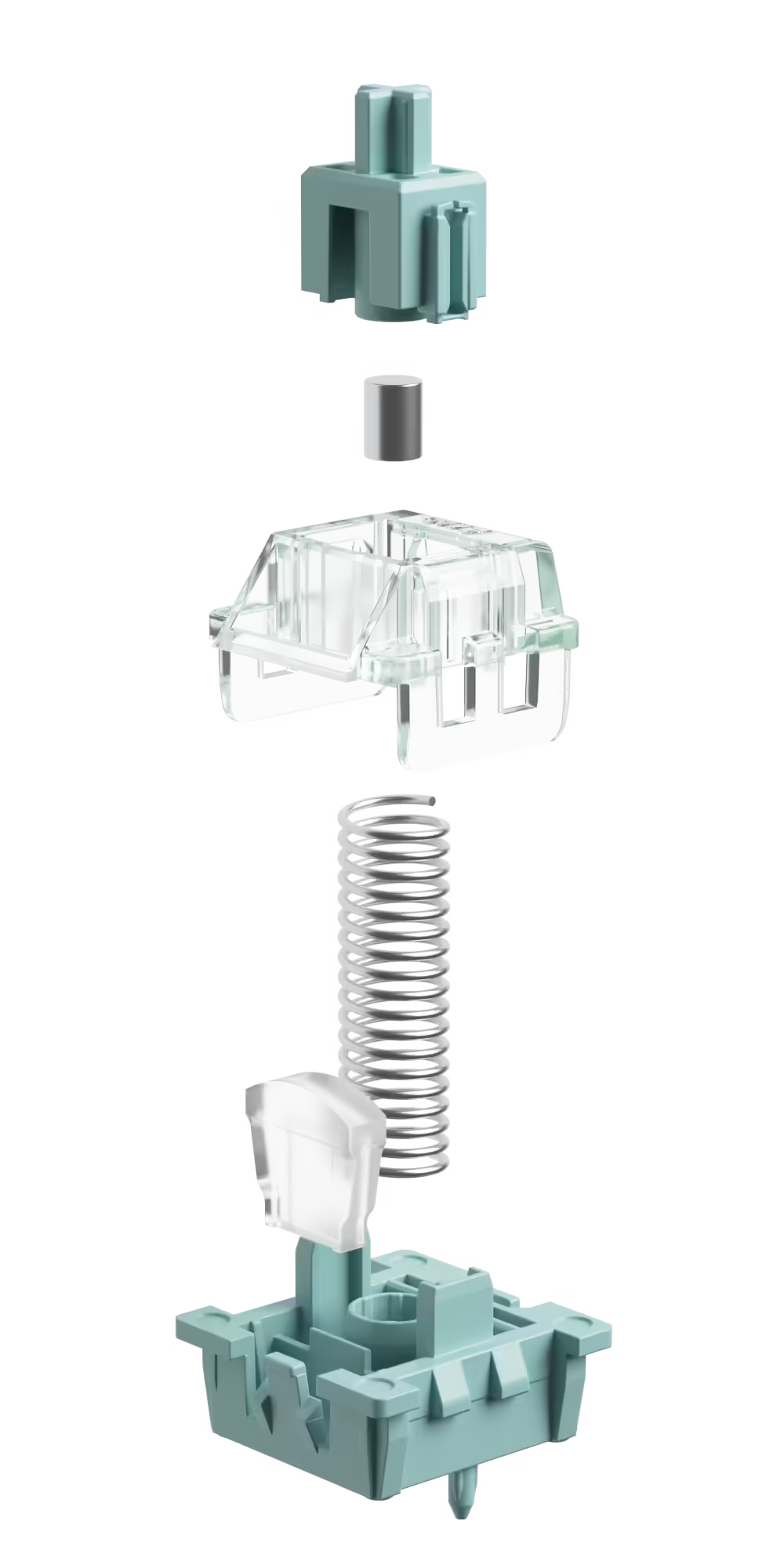
Astrolink Switches
Stable and Professional

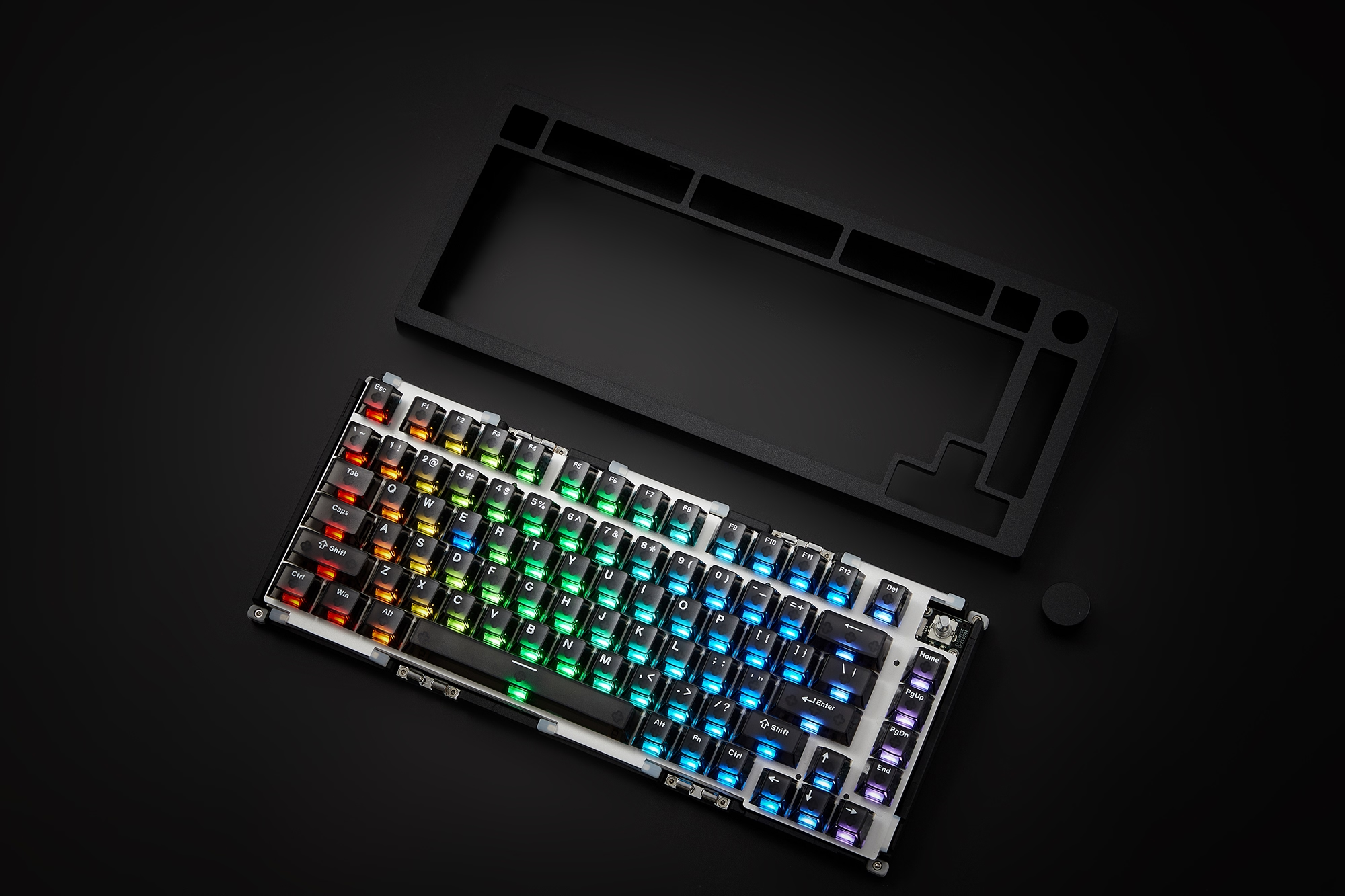
Rapid Assembly & Disassembly
Our innovative ball catch system enables a secure, tool-free quick release design. Push to lock, pull to release — ensuring professional-grade stability with effortless operation.
Enjoy Same as Mechanical Keyboards
5-Pin Hot-swappable
5-pin hot-swap sockets support 5-pin and 3-pin mechanical linear/tactile/clicky switches, making switch swapping effortless and customization-friendly.
Gasket-mounted
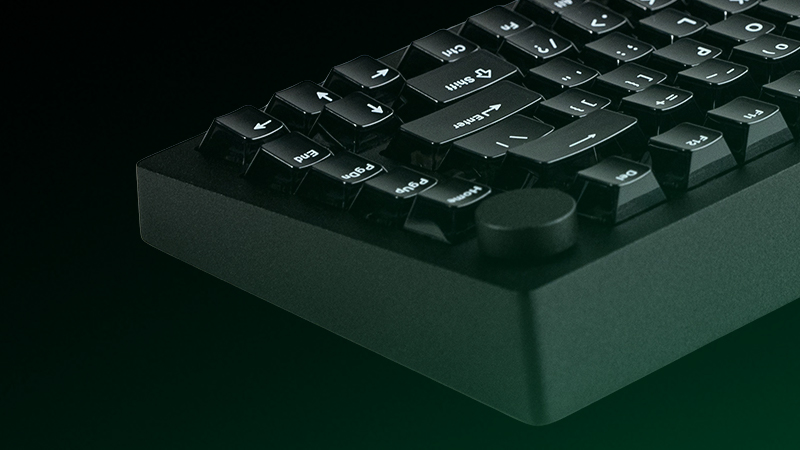
A gasket-mounted structure delivers a comfortable and cushioned typing experience right out of the box.
Lubed Stabilizers
Pre-lubed plate-mounted stabilizers reduce rattle and ensure smoother, more consistent keystrokes.
South-facing PCB
South-facing PCB design avoids causing interference with Cherry profile keycaps during customization, offering more compatibility and flexibility.
M1 V5 Series feature an upgraded 8000mAh built-in battery, allowing for extended uninterrupted typing, gaming, or productivity without constant recharging. They can be connected to multiple devices through BT 5.0, multi-host 2.4Ghz (with a receiver), and wired Type-C modes with easy switch.
| Connectivity | Combination Key |
|---|---|
|
BT
M1 V5 makes it easy to connect up to 3 devices with a simple Fn+E/R/T combination, enabling seamless switching between tablets, computers, and phones.
|
FN + E/Y/T |
|
2.4G Wireless
M1 V5 is equipped with a receiver that allows users to utilize the 2.4GHz wireless mode, providing low latency suitable for gaming and typing purposes.
|
FN + Y |
|
USB-C Wired
M1 V5 offers a USB-C wired connection ensuring rapid, zero-latency input for gaming and typing.
|
FN + U |
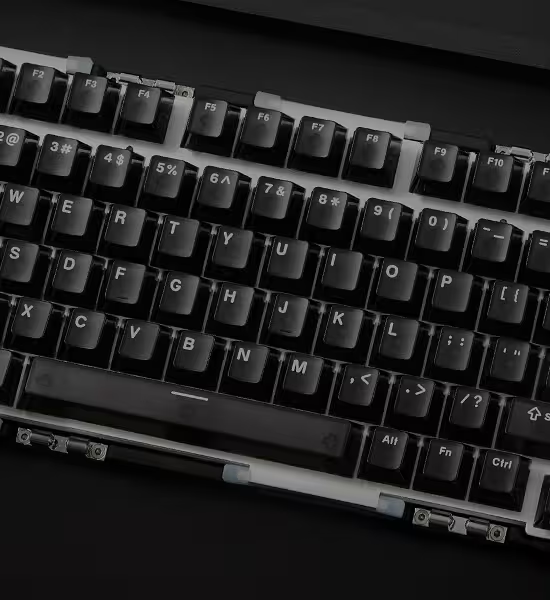
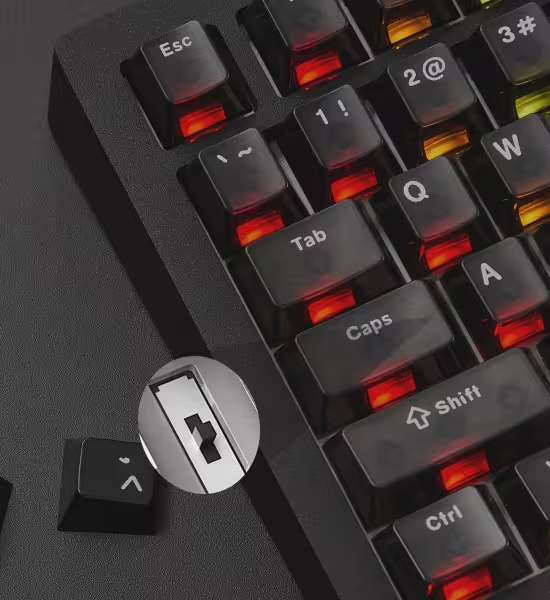
Middle: Default Windows Wired Mode
Bottom: Windows Wireless Mode
Note: The switch is located under the CAPS key
C. Bess (verified owner) –
It’s not my first magnetic switch keyboard, but it’s the first one I’ve used that supports both mechanical and magnetic switches—pretty interesting!
Mina E (verified owner) –
New to TMR keyboards but fell in love after gaming with it. Wireless latency is pretty low, as advertised.
AnnLD (verified owner) –
Started with the M1 HE Wired (0.1mm RT), now upgrading to one with 0.01mm RT. The TMR sensor is awesome, and the response is super fast in wireless too.
Ahmed yasser (verified owner) –
Not a budget HE keyboard, but an amazing choice for gamers.
Adrien Cluny (verified owner) –
Customizable keyboard, ideal for both gaming and typing. Paired with Akko Rosewood switches and original Glare HE switches for the WASD keys—great combination.
Joey G –
I love this keyboard, very thonky and buttery smooth! Great for the price aswell! TMR tech is also so awesome I cant believe it!
boukun –
Inductive Switchに対応する可能性はあるのでしょうか。にしても最高なキーボードです
hmzky (verified owner) –
Pretty decent. Before I bought, I assumed I would switch all the keys except WASD to mechanical, but the sound is much nicer than I expected, so I am using the Astrolink for all the switches. The software is good as well (only tried the downloaded software, not the web)
baz83 (verified owner) –
I got the keyboard with the Astroaim switches and it is amazing! It sounds great, and I did doubt whether I’d regret not getting the astrolinks but honestly these are amazing. Now given, I haven’t yet meddled with the software much, will give a longer term review when I do, but as a keyboard, it sounds amazing, feels amazing, is heavy for sure but that’s the all metal body for ya.