
What switches are compatible with MonsGeek M2 HE Hall Effect Keyboard?
📅Mar. 25. 2026
Many custom keyboard users try different switches to adjust typing feel and sound. In recent years, keyboard technology has expanded beyond traditional mechanical switches. Today, options include low-profile switches with shorter travel, optical switches that use light for actuation, and magnetic switches that rely on sensors instead of physical contact.
One example is the compact full-sized MonsGeek M2 V5 HE, which uses magnetic switch technology and supports “hot-swapping“, allowing users to replace switches without soldering.
This leads to a practical question:
👉 Which switches are actually compatible with the MonsGeek M2 HE?
What Makes the M2 V5 HE a Magnetic Keyboard
The MonsGeek M2 V5 HE is a Hall Effect (magnetic) keyboard, which detects keypresses using Hall sensors on the PCB rather than metal contacts. Each switch contains a small magnet, and as the key moves, the sensor measures changes in the magnetic field to determine:
- Key travel
- Actuation points
- Rapid trigger behavior
Compatibility with the M2 V5 HE depends on several technical factors:
- Magnet polarity (N-pole vs S-pole)
- Magnet orientation (downward-facing in the M2 V5 HE)
- Magnet strength
- Alignment between the magnet and the PCB Hall sensor
Therefore, understanding the keyboard’s magnetic requirements is essential before choosing compatible switches.
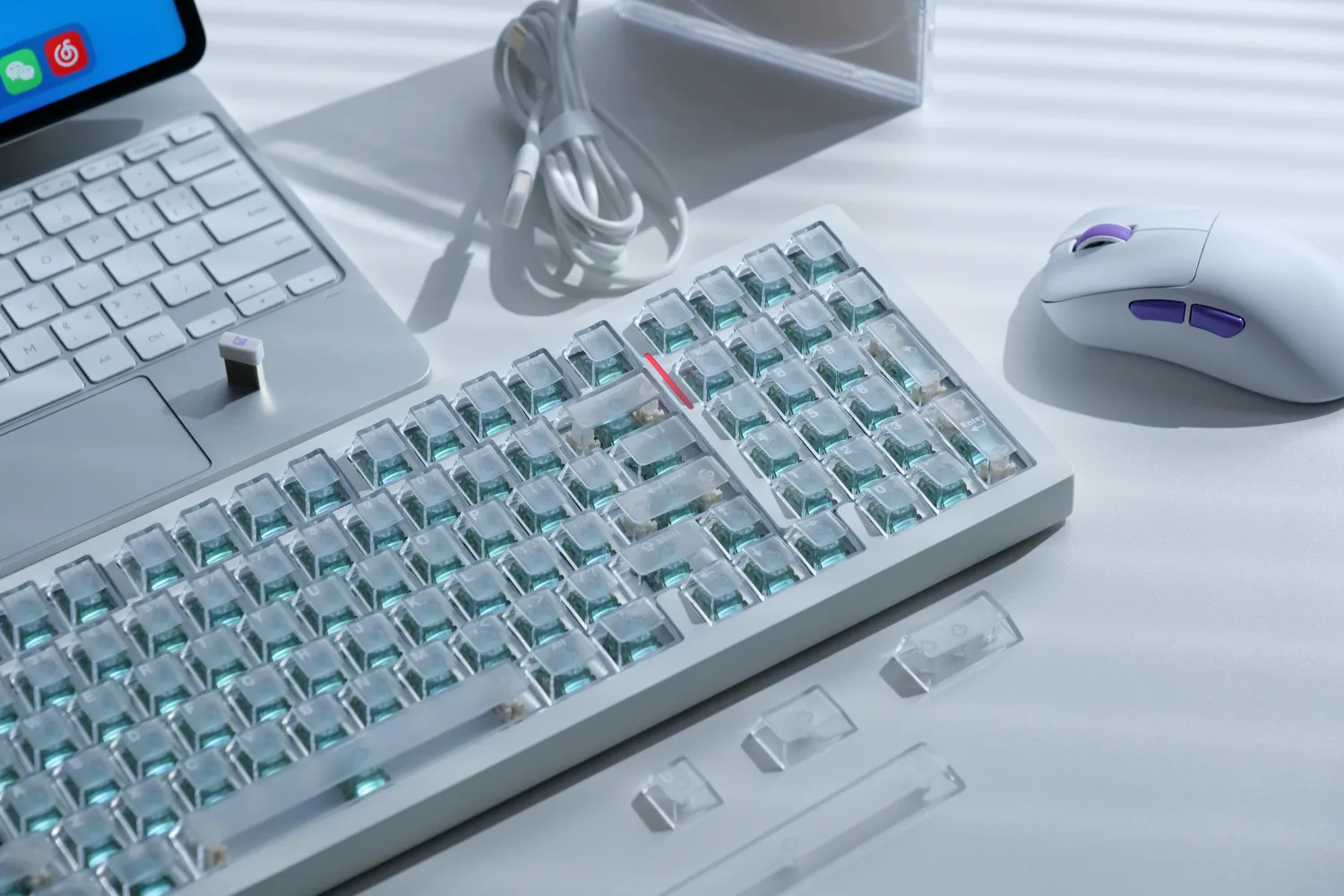
Magnetic Switches Compatible with the M2 V5 HE
The M2 V5 HE is specifically designed for downward-facing N-pole magnetic switches, allowing its Hall sensors to accurately track key travel and actuation points. This means that only switches meeting these specifications will work properly, though some can be made compatible with slight adjustments or calibration.
1) Official Sister-Brand Switches
These switches share similar specifications. They have the same magnet orientation and similar strength, so swapping between them generally works fine, though a quick calibration is recommended to maintain consistent performance. The main differences between these switches are in sound and typing feel.
Examples include:
- AstroAim Magnetic Switch (Pre-assembled on the M2 V5 HE)
- Astrolink Magnetic Switch
- Flash Magnetic Switch
- Glare Magnetic Switch
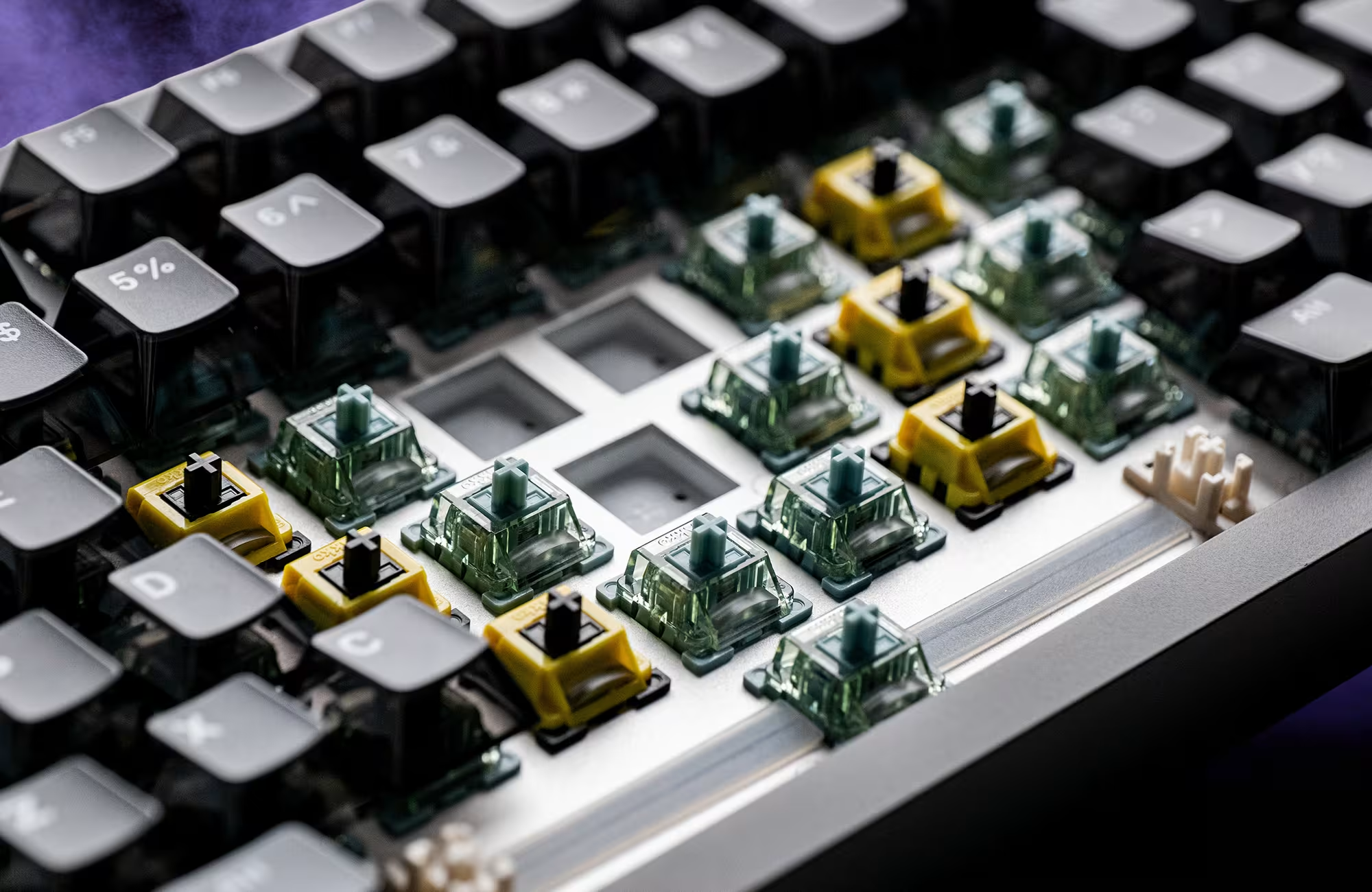
2) Officially Listed Third-Party Magnetic Switches (Calibration Required)
MonsGeek M2 V5 HE also supports a range of third-party N-pole magnetic switches, which are listed on the MonsGeek Driver.
- Magnetic Jade Switch
- Jade Pro Magnetic Switch
- Jade Gaming Magnetic Switch
- Uranus Magnetic Switch
- King Magnetic Switch
When replacing these switches, calibration is required to ensure accurate actuation points and stable rapid trigger behavior.
3) Unlisted N-Pole Magnetic Switches (Limited Performance)
Some N-pole magnetic switches not officially listed can physically fit and function in the M2 V5 HE. While they may register keystrokes, differences in magnet strength, polarity, or structure may prevent the keyboard from achieving its original high-precision actuation and rapid trigger performance.
The calibration process measures the switch’s magnetic travel and aligns it with the Hall sensor to ensure optimal performance.
Replacement and Calibration Process
MonsGeek M2 V5 HE lets users swap compatible magnetic switches without soldering. The steps are:
- Remove the existing switch using a switch puller.
- Install a compatible magnetic switch listed on the MonsGeek Driver.
- Connect the keyboard to MonsGeek Driver.
- Run the calibration process (recommended for third-party switches).
Switches That Are Not Compatible
Switches that are traditional mechanical (metal contacts), optical, or low-profile designs cannot work with the M2 V5 HE. In addition, magnetic switches with the wrong polarity, such as downward-facing S-pole magnets, are not compatible.
Examples include:
- Akko Creamy Yellow Magnetic
- Kailh Sakura Pink Magnetic Switch
Switch Compatibility Summary
| Switch Type | Compatibility | Magnet Orientation Requirement | Notes |
|---|---|---|---|
| AstroAim/Astrolink/ Flash/Glare/Magnetic Jade/Jade Pro/Jade Gaming/Uranus/King Magnetic Switch | ✅ Fully compatible | Downward-facing N-pole | Official MonsGeek switches, optimized performance |
| Third-party N-pole magnetic | ⚠ Conditionally compatible | Downward-facing N-pole | Requires calibration; precision may vary |
| Creamy Yellow Magnetic or Third-party S-pole magnetic | ❌ Not compatible | Downward-facing S-pole | Will not register keystrokes |
| Mechanical / Optical / Low-profile | ❌ Not compatible | N/A | Will not register keystrokes |
The MonsGeek M2 V5 HE is compatible only with magnetic switches that have downward‑facing N‑pole magnets and MX‑style pin layouts. Officially supported switches, including both MonsGeek’s own and third‑party magnetic switches announced by MonsGeek, are guaranteed to function properly after calibration. More N‑pole magnetic switches that meet these requirements may be added to the compatibility list in the future.
Further Reading:
Learn more about keyboard layouts and customization:
 What is a TKL Keyboard? A Complete Guide]