
From 8k to 32k: How High-Frequency Scanning Rate Benefits Magnetic Switch Keyboard Performance
📅Jan. 10. 2026
Recently, magnetic switch keyboards have become increasingly popular, with various types available, such as HE and TMR versions.
When discussing these keyboards, you’ll often come across terms like Polling Rate, Sampling Rate, and Scanning Rate. All three affect input responsiveness, but each measures something different: Polling Rate is how often the computer checks the keyboard, Sampling Rate is how often each key is read, and Scanning Rate is how frequently the keyboard scans its matrix for key presses.
In this article, we’ll explore the evolution of keyboard scanning rates, compare their technical differences, and highlight some magnetic switch keyboards with high scanning rates along with their benefits.
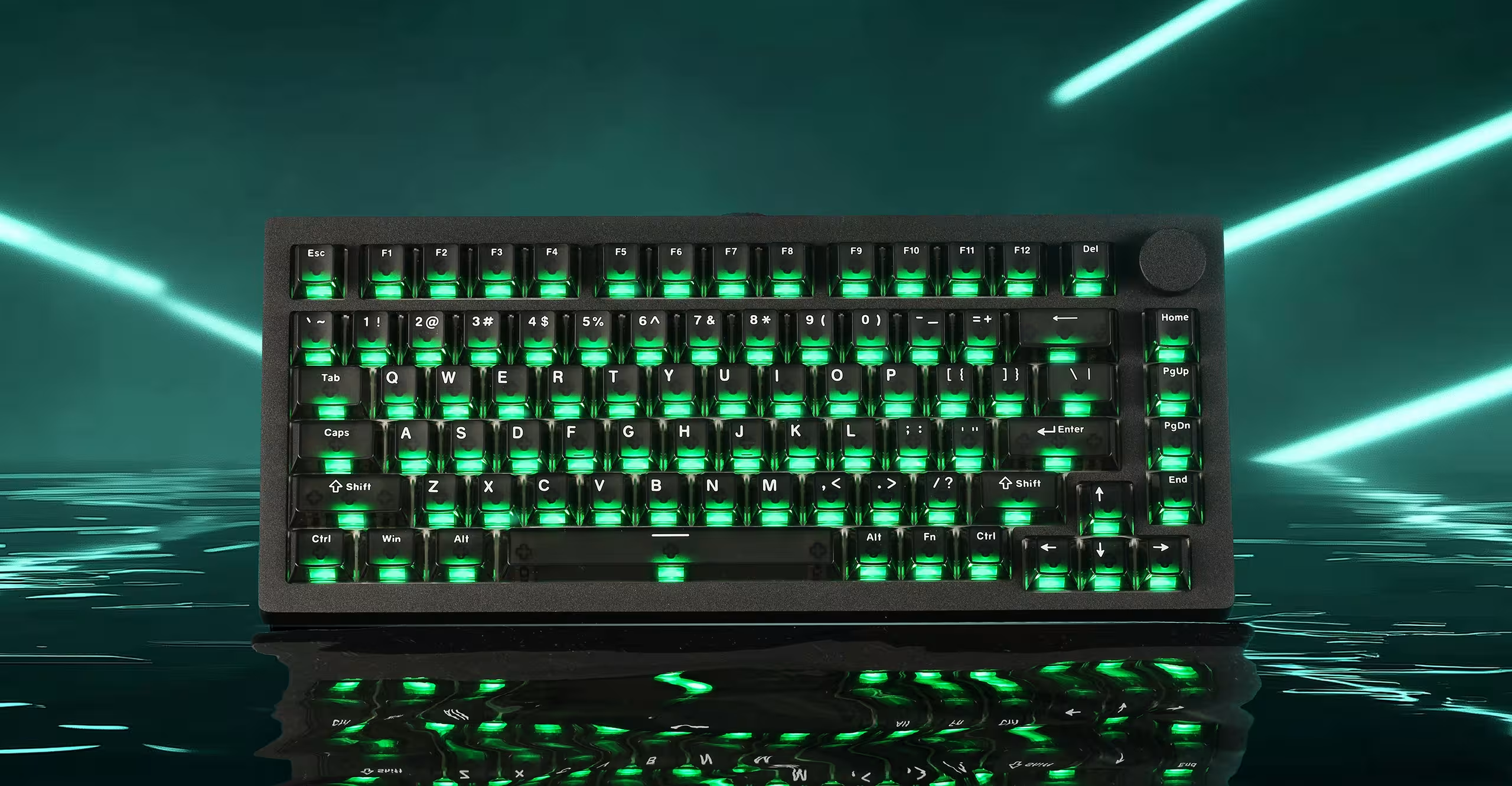
What is Keyboard Scanning Rate?
Scanning rate describes how often a keyboard checks its keys to see if any have been pressed or released. In simple terms, it reflects how frequently the keyboard’s internal controller scans the key matrix to detect changes in key state.
In practice, a keyboard doesn’t instantly “know” the moment you press a key. Instead, it keeps scanning all keys in a continuous loop, and a key press is recognized only when it appears during one of these scans. The higher the scanning rate, the sooner the keyboard can detect your input.
- 4000Hz: The keyboard scans 4,000 times per second, or once every 0.25 milliseconds.
This reduces the time it takes for a key press to be detected after physical actuation, improving responsiveness in fast-paced scenarios. - 8000Hz: The keyboard scans 8,000 times per second, or once every 0.125 milliseconds.
At this level, key presses and releases are detected with extremely fine timing resolution, helping inputs register earlier within a game’s update cycle. - Higher rates (e.g., 32000Hz): Some newer keyboards offer even higher scanning rates, scanning 32,000 times per second, or once every 0.03125 milliseconds (31.25 microseconds).
| Scanning Rate | Scan Interval (Time Between Scans) | What It Means in Practice |
|---|---|---|
| 4000Hz | 0.25ms | Keyboard checks the key matrix four times faster than 1000 Hz |
| 8000Hz | 0.125ms | Keyboard checks the key matrix eight times per millisecond, allowing extremely fast input detection |
| 32000Hz | 0.03125ms | Keyboard scans the key matrix 32,000 times per second, detecting key presses almost instantly with minimal delay |
What’s the difference between scan rate, polling rate, and sampling rate?
To avoid confusion often seen in marketing:
- Scan Rate (Hz): How often the keyboard’s own microcontroller (MCU) checks the state of the keys. In traditional mechanical keyboards using a key matrix, this scan rate is crucial for preventing ghosting and impacts the key response time before data is even sent via USB. Higher scan rates reduce the chance of missed inputs within the keyboard itself.
- Polling Rate (Hz): How often the keyboard reports key states to the computer (via USB). It primarily affects system input latency.
- Sampling Rate (Hz): Primarily relevant to the precision of magnetic/analog keyboards (using Hall Effect, TMR sensors, etc.). This refers to how frequently the keyboard measures the analog position of each key. A high sampling rate (e.g., 1000Hz+) enables features like rapid trigger, adjustable actuation points, and smooth analog input. This is an internal measurement performed by the keyboard’s sensors and MCU before data is polled via USB.
| Attribute | Polling Rate | Scan Rate | Sampling Rate (Magnetic/Analog Keyboards) |
|---|---|---|---|
| Definition | Frequency keyboard reports inputs to PC | Frequency keyboard MCU checks key states | Frequency keyboard samples key position |
| Layer | USB Communication (Device -> PC) | Internal Keyboard Logic | Per-key Sensor Logic |
| Primary Impact | System Input Latency | Key Response Time (within KB), Anti-Ghosting | Analog Precision, Rapid Trigger, Adjustable Actuation |
| Key Function | Transfers key event data | Detects digital on/off state in matrix | Tracks analog key travel/position |
| Common In | All USB Keyboards | All USB Keyboards | Magnetic Switch Keyboards (Hall Effect, TMR) |
Factors That Affect Keyboard Scanning Rate
Hardware Factors
-
MCU Performance: The microcontroller’s speed is critical. Faster MCUs can scan the key matrix more frequently.
-
Key Matrix Design: A larger matrix with more rows and columns increases the time needed to scan all keys. Complex wiring can also slow scanning.
-
Switch Type: Magnetic switches are particularly fast and precise, offering minimal debounce delay compared to traditional mechanical or membrane switches. Using high-quality switches can significantly improve the effective scan rate.
-
PCB Design & Signal Integrity: Poor PCB layout, long traces, or electrical noise can delay key detection.
Firmware Factors
-
Debounce Settings: Debounce logic is necessary to prevent false key presses. Longer debounce periods lower the effective scan rate.
-
Scan Algorithm: Efficient firmware can scan the matrix faster. Some algorithms prioritize certain rows or use optimized timing to improve scan speed.
-
Internal Processing Load: Additional firmware tasks, such as macro processing or lighting effects, can increase the time between scan cycles.
Why a Higher Scanning Rate (like 32kHz) Matters
There are many factors affecting keyboard latency, for example key switch type, debounce time, connection type, OS or application processing and so on. The scanning rate (polling rate) is also important.
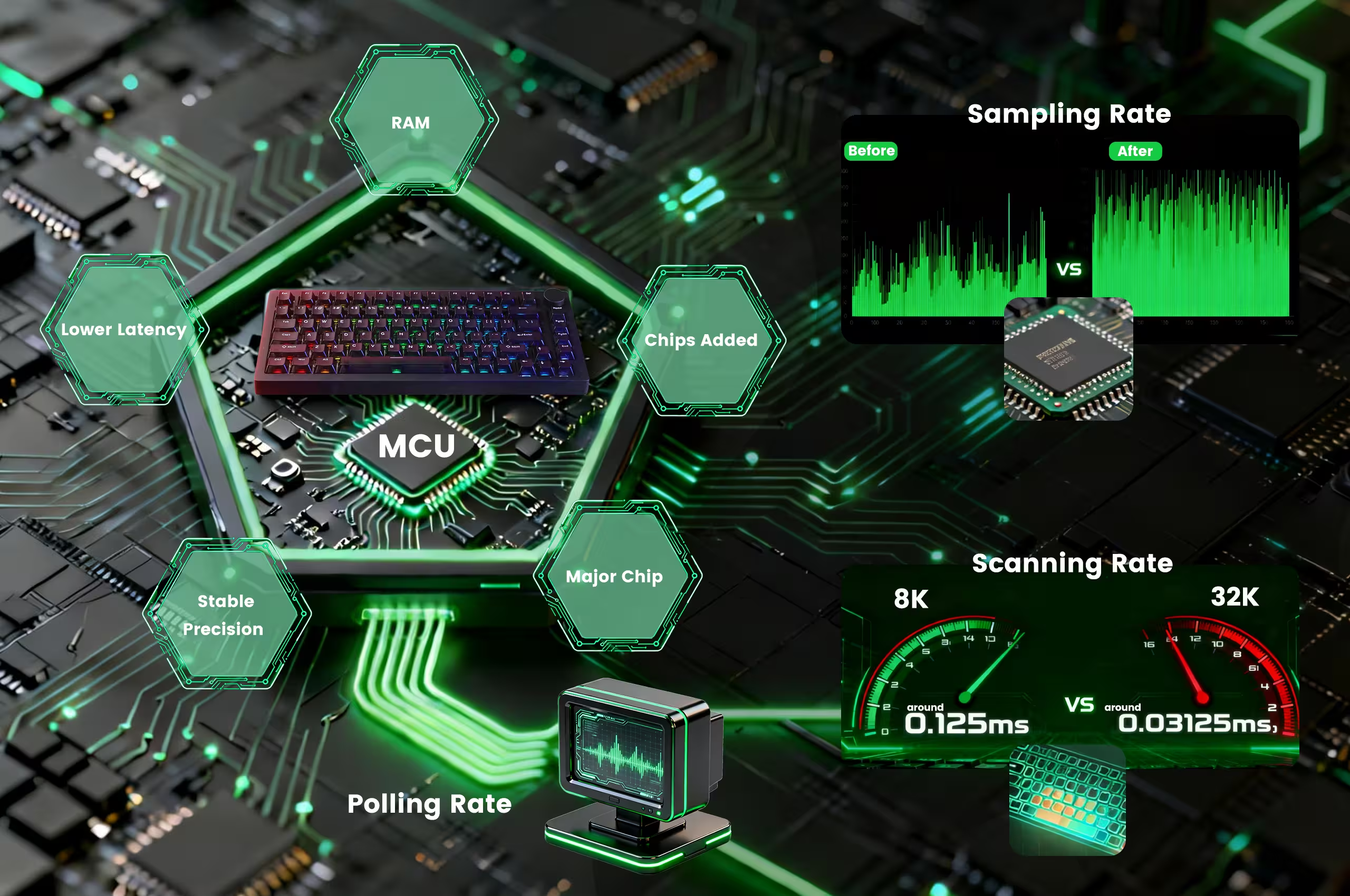
- Lower Latency for Faster Response
The higher the scan rate, the more frequently the keyboard checks switch position changes. This allows key actuations to be detected earlier and processed with greater consistency, delivering quicker feedback and achieving very low input latency in real gaming and typing scenarios.
Device Latency Breakdown
Time to detect key position changes.
MCU processes scan data internally.
USB polling rate interval.
- More Precise and Stable Rapid Trigger
At a 32K scan rate, even slight finger lifts are captured instantly and reliably, allowing the switch to reset with exceptional accuracy. The result is finer actuation steps, repeatable trigger behavior, and a predictable feel — ensuring stable rapid triggering during fast-paced, high-precision input.
- Optimized Architecture for 32K Scanning
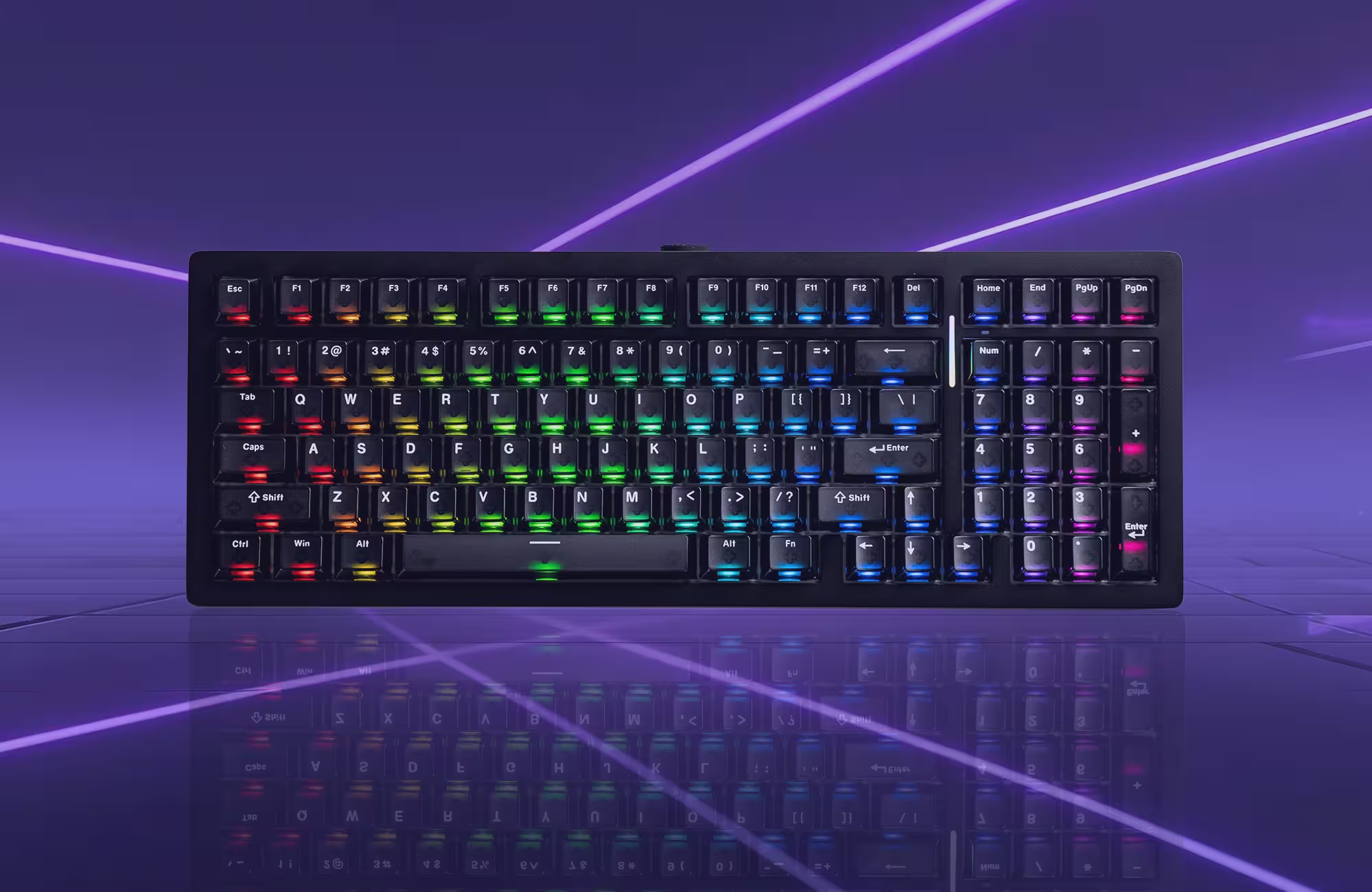
To support 32K scanning without increasing processing latency, some keyboards, for example, the new MonsGeek M1 V5 TMR adopts a re-architected logic framework. With 15 dedicated logic ICs offloading auxiliary tasks from the MCU, processing load is reduced, ensuring lower TProcessing and stable high-speed performance,even under extreme data throughput.
How to Test the Keyboard’s Scanning Rate
Because scanning occurs at the microsecond level within the hardware, standard software tools often hit their limits. To accurately test the scanning rate, more advanced measurement techniques are required. The following is the industry-standard testing method:
Oscilloscope Latency Testing
Professional reviewers use an oscilloscope to measure “button-to-USB” latency by probing the switch contacts and monitoring USB data lines.
Some oscilloscopes can also show the keyboard’s scanning rate. They do this by measuring the repeated voltage pulses in the keyboard’s matrix—essentially calculating the pulse frequency. With proper triggering, the oscilloscope can display a stable, real-time reading of the scanning frequency, letting you see the scanning rate directly.
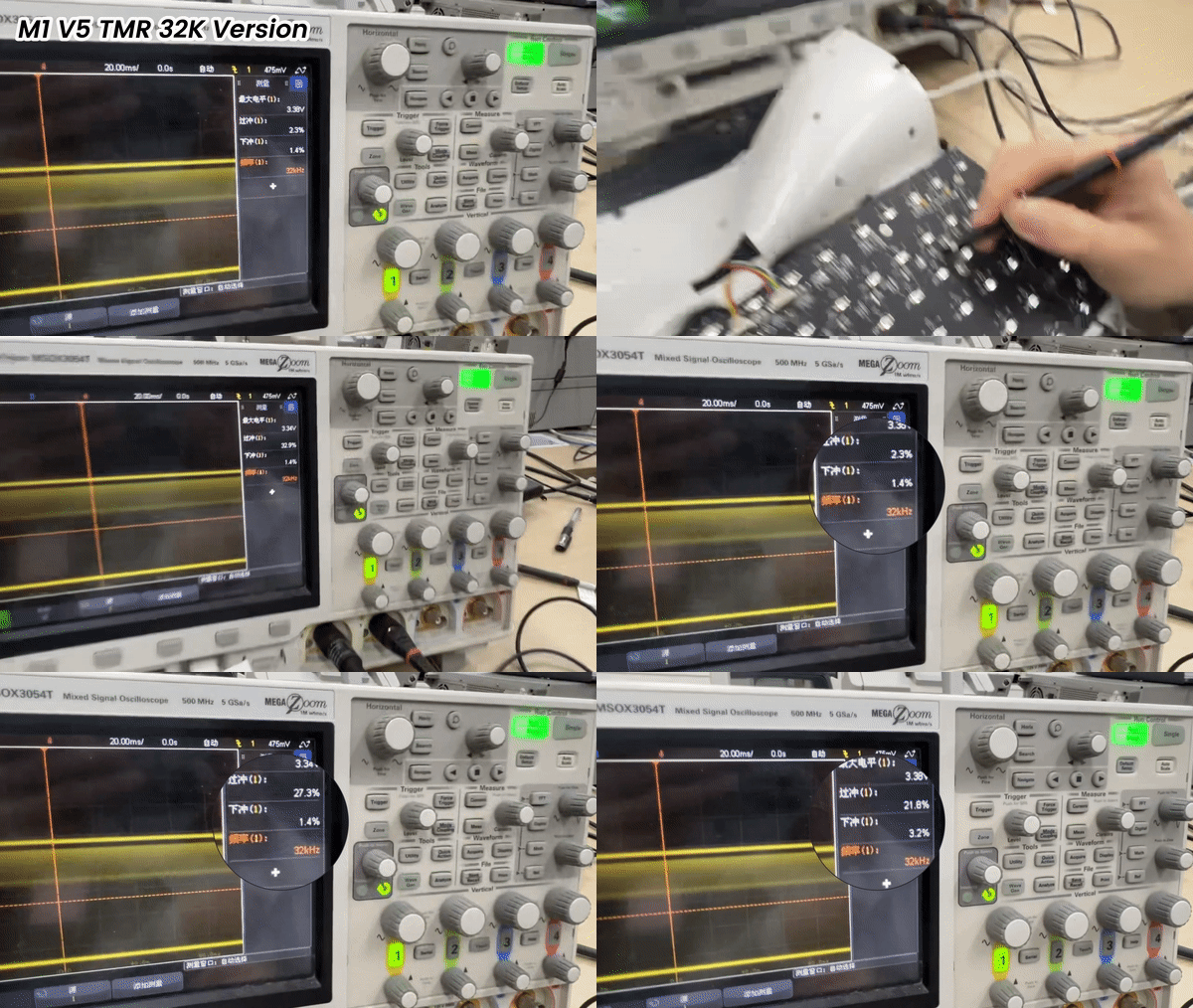
M1 V5 TMR 32K Version Test
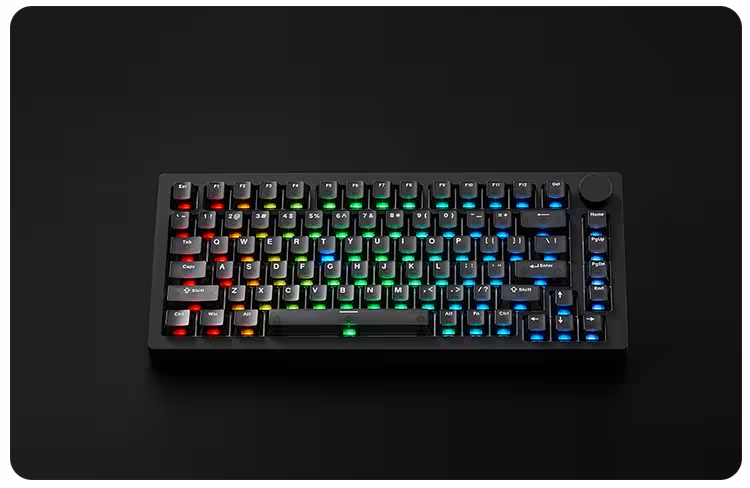
Along with the rapid development of gaming hardware, a 32k scanning rate for keyboards is not the end. As sensor technology and MCU processing power continue to evolve, the boundaries of what is physically possible will continue to be pushed.

Further Reading
If you enjoyed this guide, check out these related articles:
Is Higher Polling Rate Always Better? The Practical Reality
Discover how RT Stabilizer mode works and why it matters for smoother, more stable gameplay.
A side-by-side comparison of traditional mechanical switches and modern magnetic keyboards.