
What is Mod-Tap (MT) and How to Use It to Optimize Your Magnetic Keyboard?
📅Mar. 19. 2026
Magnetic Switch keyboards introduce several advanced features such as Rapid Trigger, Dynamic Keystrokes, and Mod-Tap (MT). Among them, Mod-Tap is a practical feature that allows a single key to perform two different actions.
Unlike traditional keyboard switches, which are binary and send only one command per press, magnetic switches can detect differences in press duration. With Mod-Tap, the keyboard can distinguish between a quick tap and a longer hold, allowing two separate actions to be assigned to the same key. This means tapping the key triggers one command, while holding it triggers another, effectively increasing the functionality of each key without adding more keys.
This article explains what Mod-Tap is, how it works, and why it is useful on magnetic keyboards.
What Is Mod-Tap (MT)?
Mod-Tap (MT) is a keyboard feature that allows a single key to perform two different actions depending on how long the key is pressed. Instead of assigning only one command to a key, Mod-Tap distinguishes between a short press and a long press, enabling the key to serve two purposes.
Tap (short press): A quick press and release sends a normal key input, such as a letter or arrow key.
Hold (long press): Holding the same key triggers another function, often a modifier like Ctrl, Shift, or Alt, or another custom command.
In practice, this means one physical key can replace two separate keys, helping users access more functions without increasing the number of keys or moving their hands across the keyboard.
Example
A key can be configured like this:
- Tap → B
- Hold → A
When you quickly press the key, it types “B“.
When you hold the same key, it types “A“.
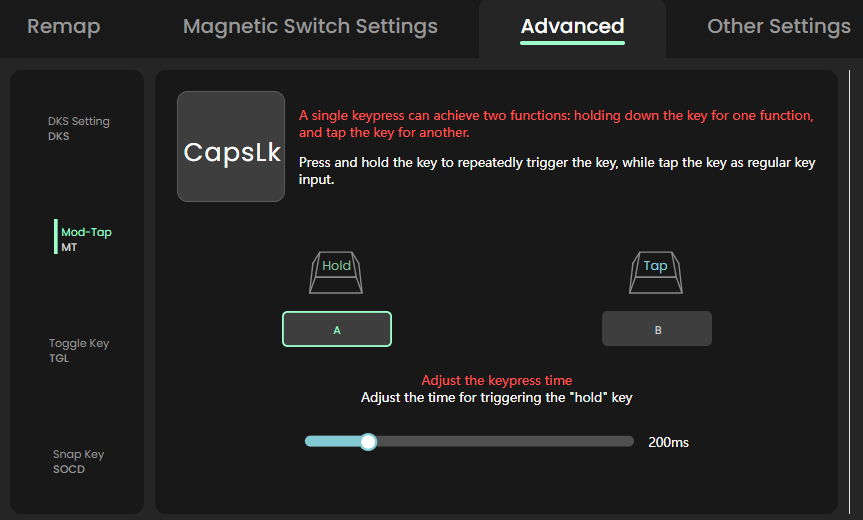
Mod-Tap (MT) configuration page in the MonsGeek Driver.
|
Caps Lock
|
||
|
How Mod-Tap Works on Magnetic Keyboards?
Mod-Tap works by distinguishing between a short press (tap) and a long press (hold). When you press a key, the keyboard firmware starts a timer to determine which action should be triggered.
This timing is controlled by a setting often called the Tapping Term, usually measured in milliseconds.
This video demonstrates the Mod Tap feature using the MonsGeek Driver.
Benefits of Using Mod-Tap
For Gaming: Easier Access to Extra Commands
In fast-paced games, players often need to trigger multiple actions quickly. Mod-Tap allows secondary commands to be placed on keys that are already easy to reach, so your fingers can stay near the WASD movement keys.
Some practical examples include:
- Movement actions: A key like Caps Lock or Left Alt can be set to open the map or scoreboard when tapped, but act as Crouch (Ctrl) or Sprint (Shift) when held.
- Quick utility actions: A key can behave as a normal Alt key when held, but trigger another command such as throwing a grenade (G) when tapped.
This setup helps players perform actions quickly without moving their hand away from the main movement area.
For Productivity: Making Compact Keyboards More Practical
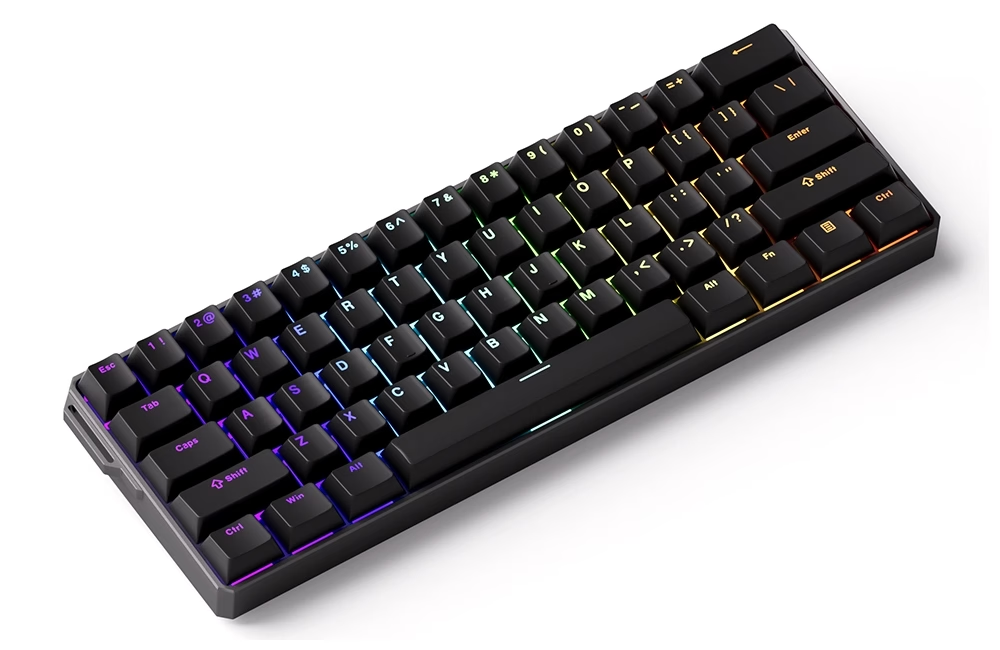
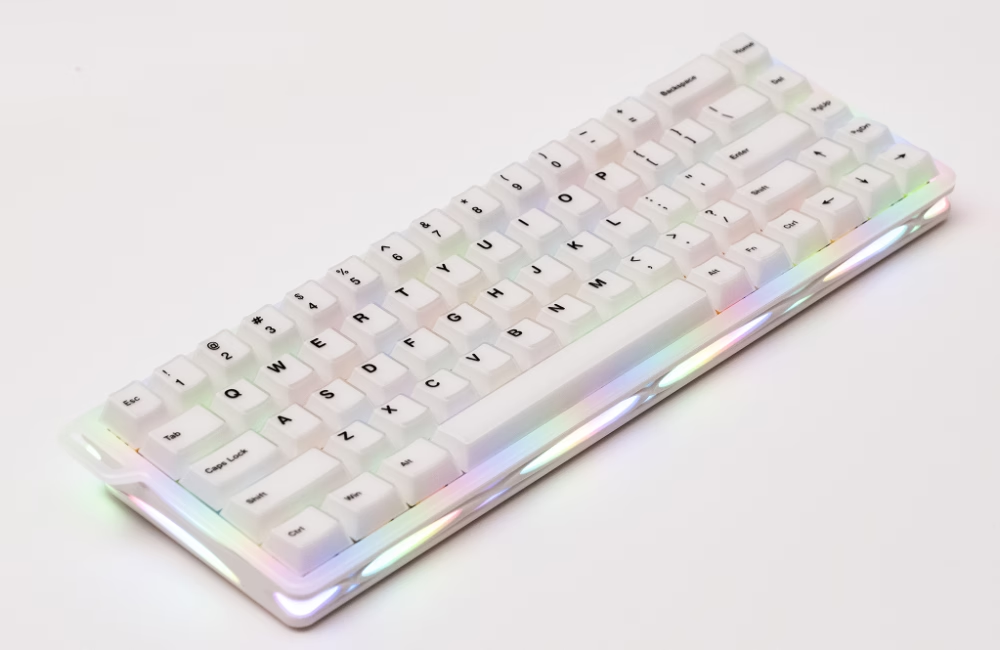
For users of 60% or 65% keyboards, some keys such as function keys or arrow keys are usually missing. Mod-Tap helps restore these functions without adding more physical keys.
Arrow key integration:
Some users configure keys like Right Shift, Alt, or Ctrl so that tapping them sends arrow key inputs, while holding them keeps their normal modifier function.
These setups make compact keyboards more flexible and easier to use without relying heavily on complex layers or extra key combinations.
Tips for Setting Up Mod-Tap
The main challenge with Mod-Tap is finding the right timing between a tap and a hold. Once you get it, it can make typing and shortcuts much smoother.
1. Adjust the Tapping Term
The Tapping Term decides whether a key press counts as a tap or a hold.
- Start with a moderate setting.
- If keys are being accidentally held or tapped, slightly increase or decrease the timing until it feels natural.
- Test with normal typing or gaming—your fingers will tell you when it’s comfortable.
2. Choosing Keys Carefully
Apply Mod-Tap first to keys not heavily used, like:
- Spacebar
- Caps Lock
- Corner or thumb keys
This helps you adapt without too many mistakes.
3. Who Benefits from Mod-Tap?
Mod-Tap is great for:
- Programmers using many shortcuts
- Gamers who want faster access to commands
- Compact keyboard users (60%, 65%, 75%)
- Keyboard enthusiasts experimenting with layouts
With a little practice, Mod-Tap can make typing and shortcuts faster and more comfortable.
Conclusion
Mod-Tap (MT) allows a single key to perform two actions: tap for a normal key and hold for a modifier or secondary function. With the precise sensing of magnetic keyboards, this feature works reliably and helps users create more efficient keyboard layouts. For users who want more flexibility without adding more keys, Mod-Tap is a practical and powerful feature.
For users who want more flexibility without adding more keys, Mod-Tap is a practical and powerful feature.
Further Reading
Learn more about the features of magnetic switch keyboards
 [Rapid Trigger Keyboards – The Ultimate Guide to Faster Gaming & Typing]
[What is Dynamic Keystroke (DKS) and How It Transforms Your Gaming Experience]
[From 8k to 32k: How High-Frequency Scanning Rate Benefits Magnetic Switch Keyboard Performance]
[Hall Effect Switches — Precision and Speed for Gaming Keyboards]