
PAW3395 vs. 3950 & Beyond: Is the Next Generation of Sensors Overkill or Essential?
📅Feb. 28. 2026
Whether you are a casual gamer or a professional esports player, the sensor is the “engine” of your mouse. It determines how accurately your mouse tracks movement, how quickly it responds, and how consistently it performs under fast or subtle motions. A good sensor delivers smooth, reliable, and precise control—making it one of the most critical components for gaming performance.
PAW3395 vs. PAW3950: The High-End Battle
Most high-performance mice today use one of these two sensors. Here is how they differ:
PAW3395: The “Golden Standard.”
The 3395 is the successor to the older 3389. It became the top choice for wireless mice because it balances high performance with power efficiency.
- Motion Sync: This feature aligns sensor data with your PC’s polling for smoother tracking.
- Current Status: It is the backbone of high-performance mice that are still budget-friendly and below $60.
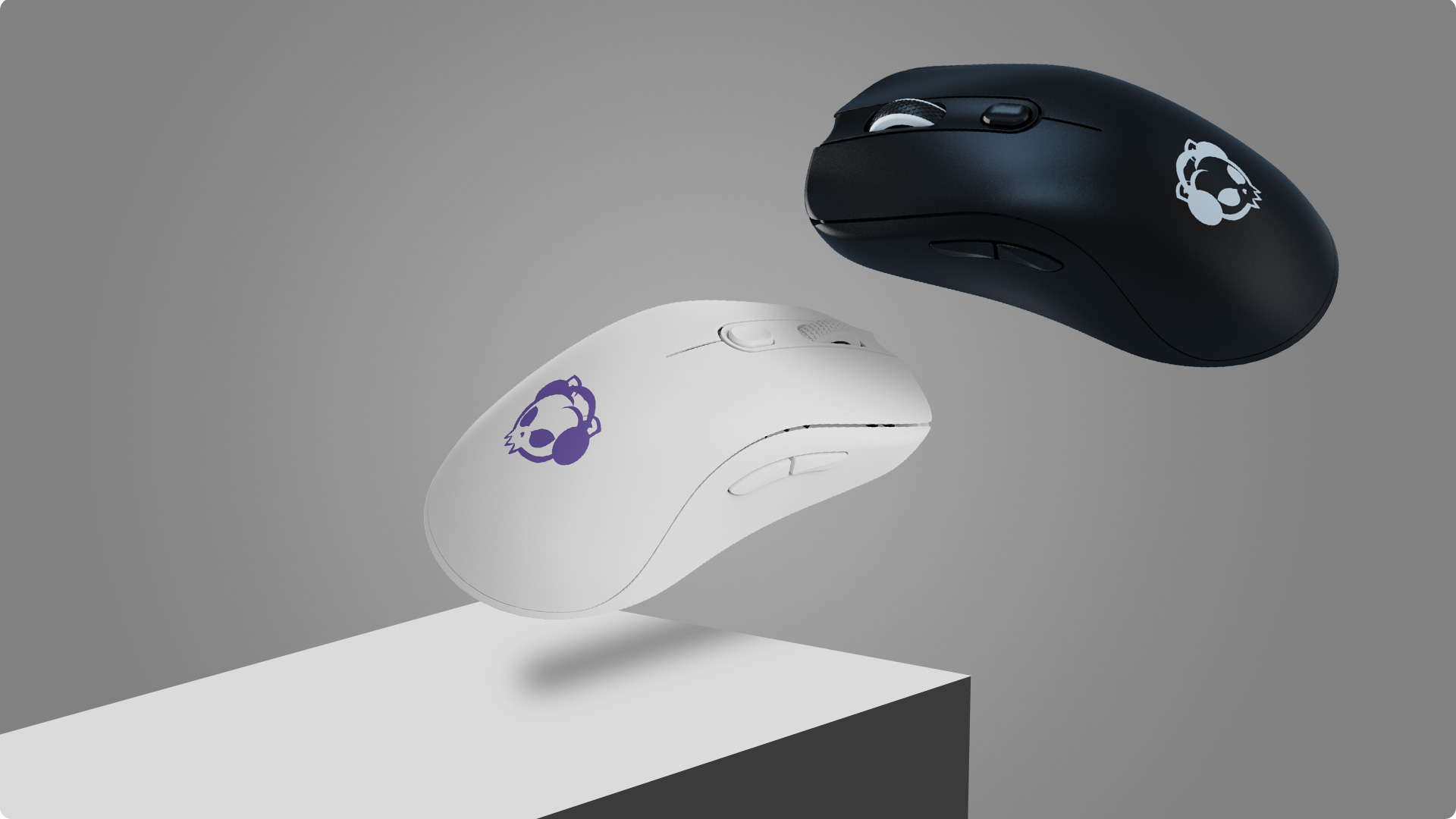
AG One NearLink with PAW3395 sensor enables Pro gaming experience
PAW3950: Pushing the Technical Ceiling
The 3950 is currently the “King of the Hill” for those who want the absolute best.
- Glass Tracking: It is nicknamed the “Glass Stalker” because it works significantly better on glass surfaces.
- Precision Control: It allows for a Lift-Off Distance (LOD) as low as 0.7mm, with stable behavior across different mouse feet and pads.
- 8KHz Polling Stability: When paired with modern high-speed MCUs, the 3950 provides the rock-solid stability required for 8000Hz polling rates, slashing input latency for a near-instantaneous response. (Note: Wireless 8KHz also depends on the manufacturer’s wireless protocol and firmware, not the sensor alone.)
- Higher Specs: It offers a native 30,000+ DPI and 750+ IPS (Inches Per Second).
- Efficiency & Weight: Improved power integration allows for smaller batteries, enabling the push toward 40g–50g ultra-lightweight designs without sacrificing battery life. Note: To fully utilize 8KHz polling, a high-refresh-rate monitor (240Hz+) and a powerful CPU are recommended.
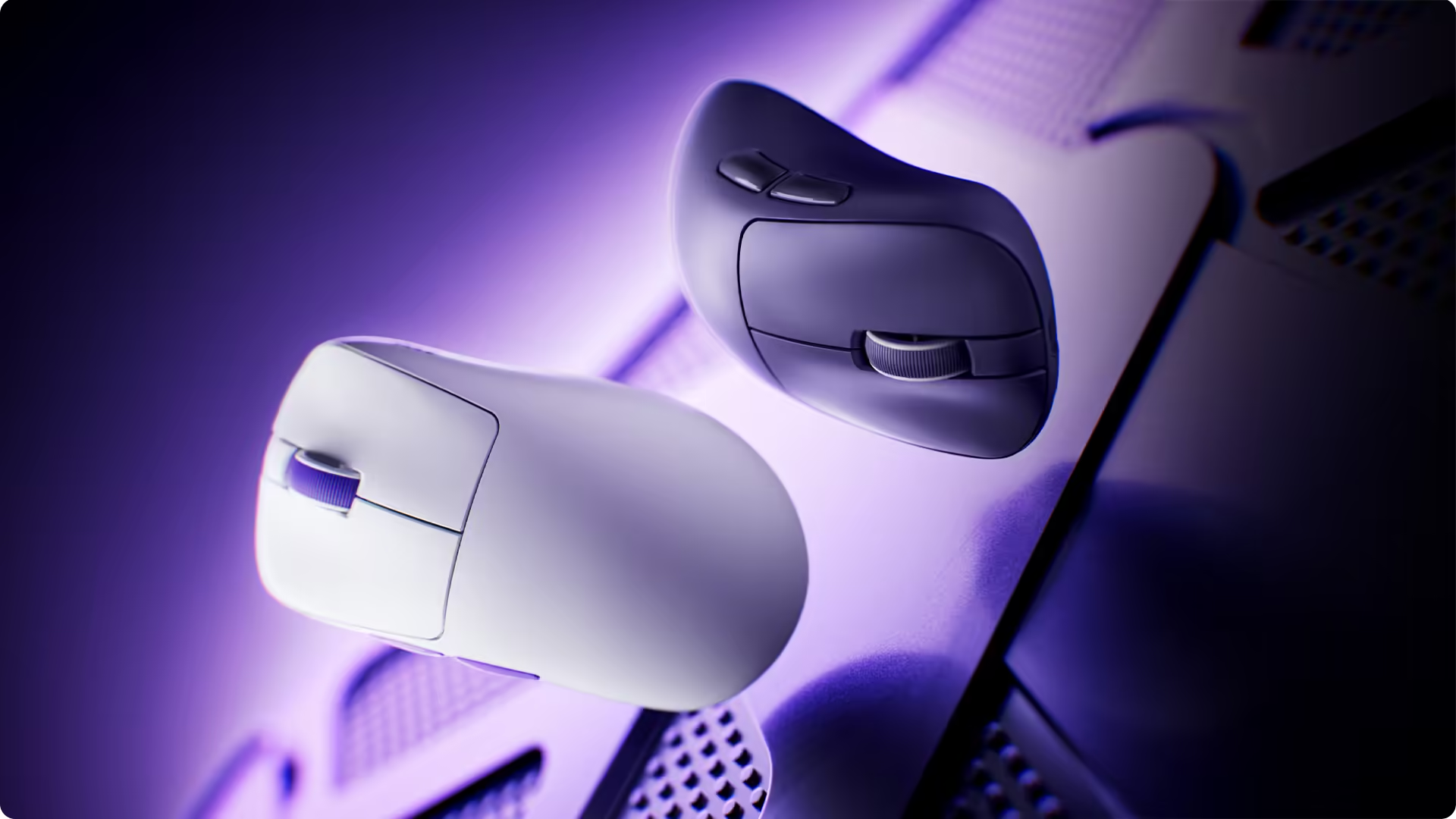
(Nest Gaming Mouse Powered by the flagship PAW3950 sensor for uncompromising precision and performance)
Budget and Mid-Range Options
You don’t always need a $100-150 flagship mouse. There are several reliable sensors for different needs:
- PAW3311: The new “budget hero”. It uses low power and delivers high performance, effectively replacing the older 3325.
- PAW3325/3327: Often found in “cyber cafes,” these are reliable for 1080p gaming. However, they can “spin out” during extremely fast professional-level flicks.
- PAW3335: A bridge between budget and pro. It is great for wireless battery life, though the Lift-Off Distance can sometimes be inconsistent.
Why PixArt Dominates the Market
While we discuss the 3395, 3950, and their successors, it is important to note they share the same origin: PixArt Imaging. PixArt has become the industry standard for several functional reasons:
- The Avago Acquisition: PixArt became a “patent powerhouse” after buying Avago’s optical sensor division.
- Turnkey Solutions: They provide both the sensor and the firmware, making it easy for smaller brands to enter the market.
- Compatibility: Their sensors have “ready-to-go” drivers for mainstream microcontrollers (MCUs) like Nordic.
- Big Brand Partnerships: Even the largest brands use PixArt’s OEM or rebranded services. Evidence of this is frequently found on Reddit through teardowns, API communication analysis, and specification breakdowns.
Quick Comparison
| Tier | Model | Target | Key Advantage |
|---|---|---|---|
| Flagship | PAW3950 / Focus Pro | Enthusiasts & Pros | Glass tracking & 0.1mm LOD |
| High-End | PAW3395 / HERO 25K | Competitive Gaming | Perfect balance of power/speed |
| Entry-Level | PAW3311 / 3327 | Casual Gaming | Extremely affordable and reliable for non-FPS MOBA gaming |
Final Thoughts:
When choosing a sensor, it is important to match the technology to your specific gaming habits. While the PAW3950 and PAW3395 are the current market leaders, they aren’t strictly necessary for every genre.
Choosing Based on Your Scenario
- FPS Gaming (First-Person Shooters): If you play titles like Valorant, CS2, or Apex Legends, the sensor is critical. The high IPS (Inches Per Second) and precise LOD (Lift-Off Distance) of the 3950 ensure that your aim stays consistent even during fast, sweeping “flicks”.
- MOBA & RTS Gaming: For games like League of Legends or Dota 2, you generally don’t need a “bleeding edge” flagship sensor. Since these games rely more on clicking accuracy and camera panning rather than extreme physical speed, a 3395 or even 3311 is more than enough to perform at a high level.
- Casual & Office Use: For everyday tasks or casual gaming, entry-level gaming sensors like the 3311 provide a reliable experience without the premium price tag.
The Bottom Line
At the end of the day, a top-tier sensor won’t save your performance if the mouse shape doesn’t fit your hand comfortably. Use the 3395 for the best balance of value and performance, or step up to the 3950 if you are a professional FPS player who needs every possible technical advantage.
Further Reading:
Master Your Aim: A dual-guide on what LOD (Lift-Off Distance) is and how to fine-tune it for ultimate tracking stability and mouse reset control.
[ What Is LOD? The Invisible Switch Behind Every Mouse Reset]
[ How to Adjust and Find the Perfect LOD for Your Gaming Setup]